
AI text enhancer
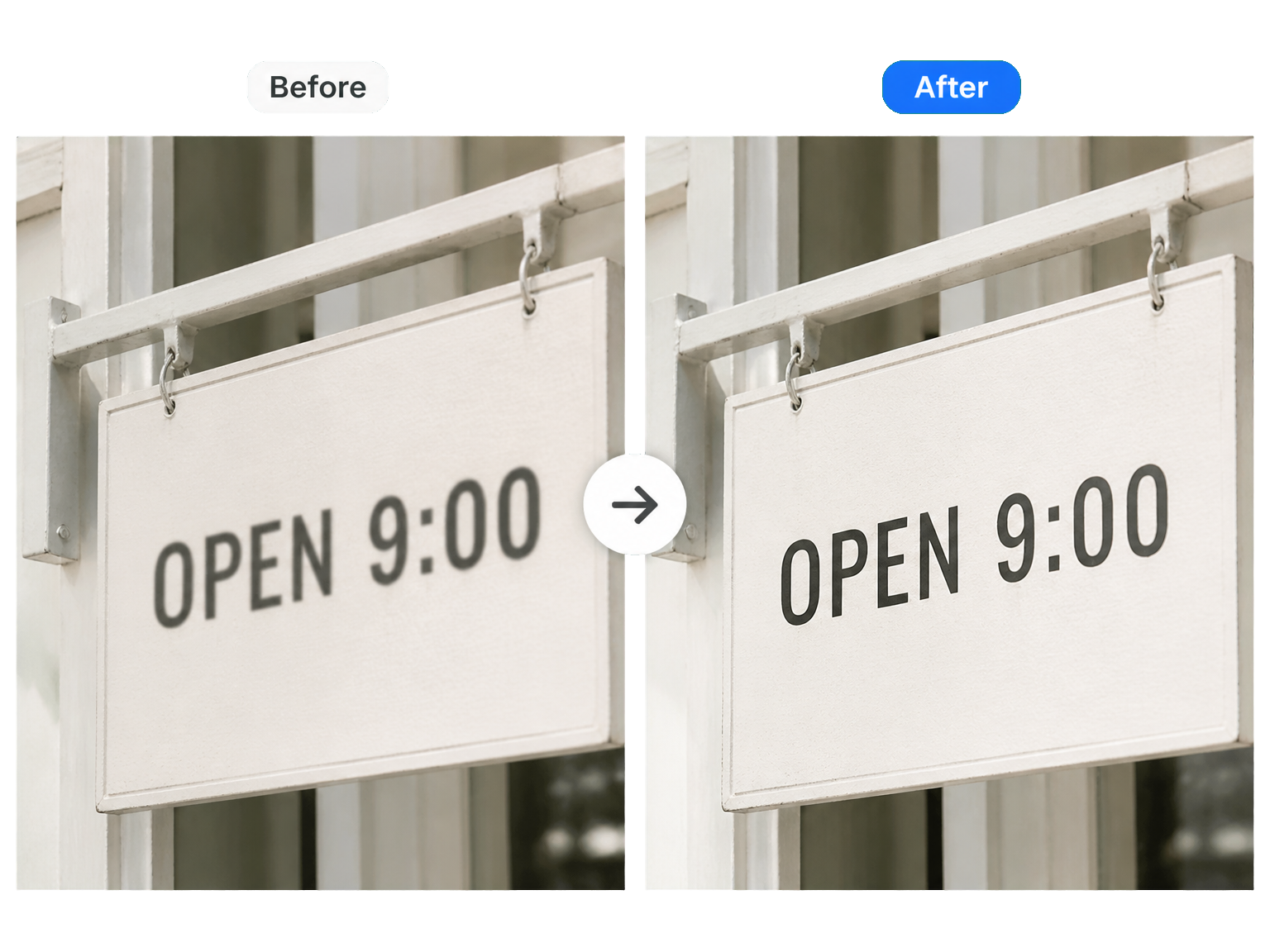
AI Unblur Text in Images With Clearer Letter Edges
Sharpen visible letters and numbers in photos, screenshots, and scanned pages while keeping the original wording and layout in place.
Where text needs clarity
Unblur Text in Screenshots, Receipts, and Scanned Documents
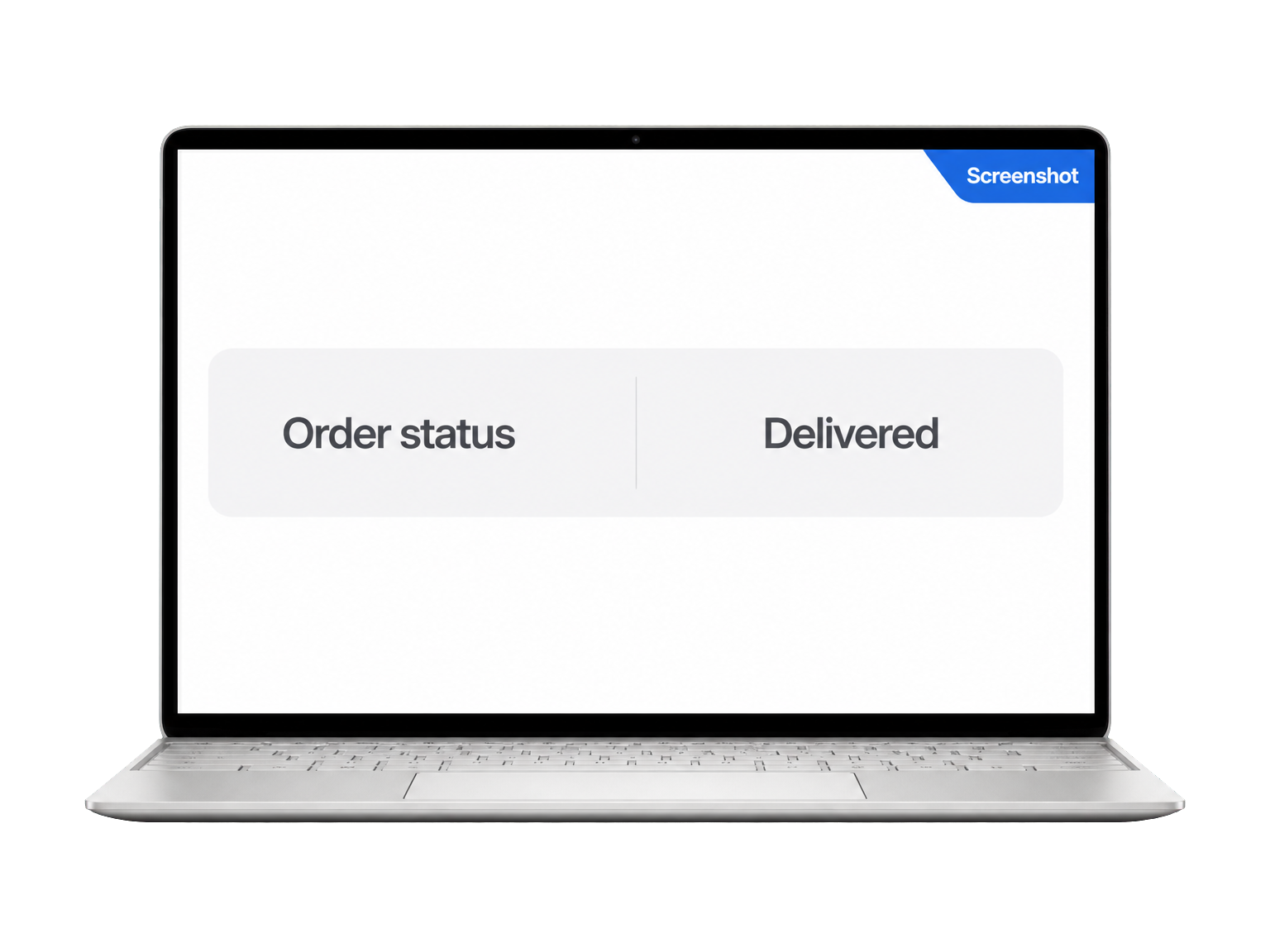
Screenshots & interfaces
Make small labels, menu items, and on-screen details easier to inspect in compressed screenshots.
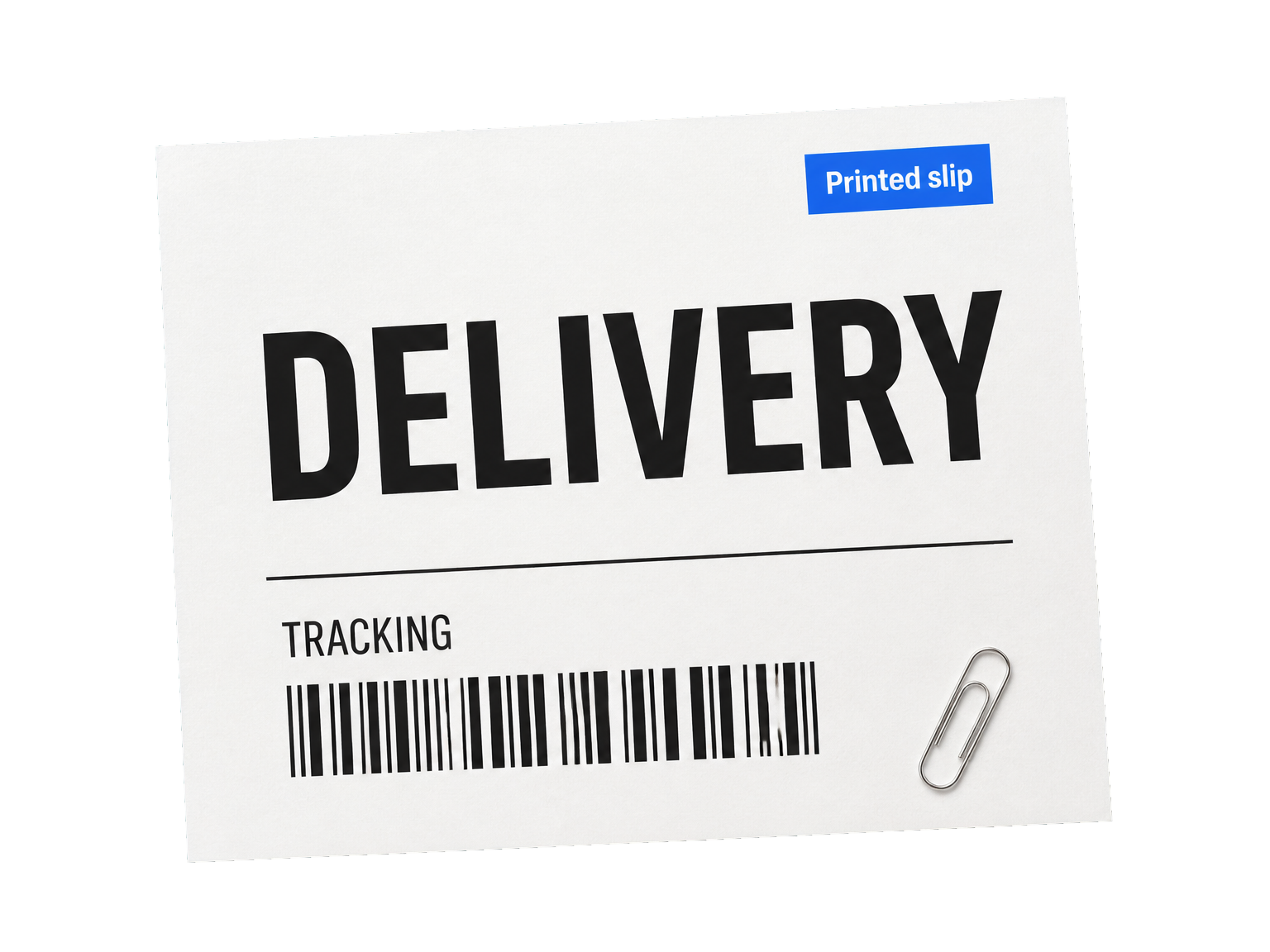
Receipts & printed slips
Bring item lines, totals, and printed details into clearer focus for everyday review.
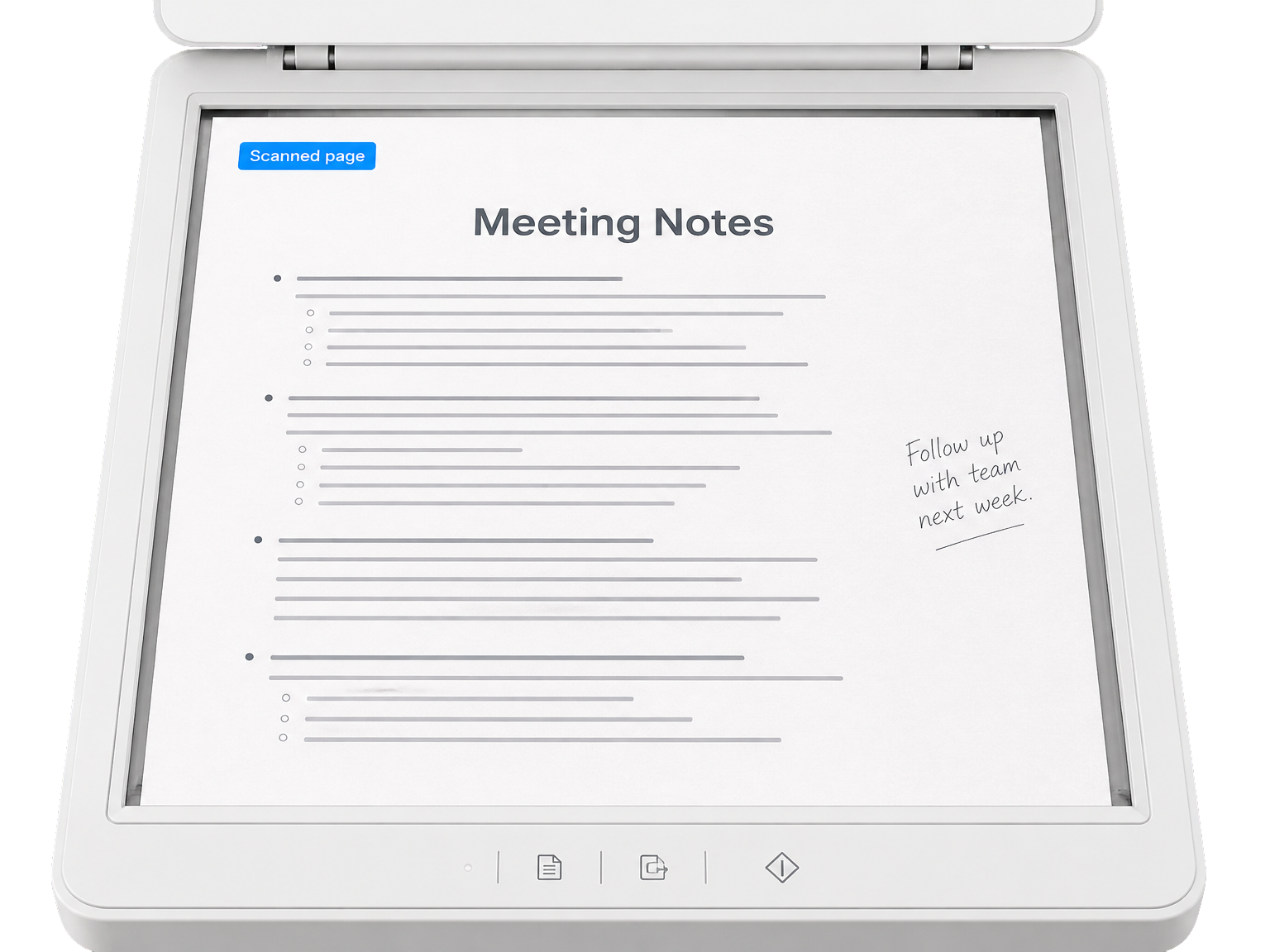
Scanned pages & notes
Improve the readability of document photos, handouts, signs, and written notes.
Simple workflow
How to Unblur Text in an Image
Turn an uploaded image into a clearer version in three simple steps.
Upload the image
Choose the photo, screenshot, or scanned page that contains the text you want to clarify.
Enhance the text
Run the AI text enhancer to refine letter edges and make the original wording easier to read.
Review and download
Compare the clearer image with the original, then save the enhanced result.
Text-focused enhancement
Deblur Text While Preserving the Original Wording
A clearer image starts with sharper letterforms and the details around them.
Refine letter edges
Bring existing strokes and character contours into clearer focus without making the whole image look over-sharpened.
Keep the original wording
Preserve spelling, numbers, punctuation, and the visual language already present in the image.
Respect the page layout
Keep line breaks, alignment, spacing, and the surrounding composition in place.
Protect the image around text
Keep photos, backgrounds, logos, and other non-text details consistent with the source.
Made for everyday text
Use it on screenshots, receipts, signs, and document images.
A clearer image, not OCR
Get an enhanced picture when the visual document itself is what you need.
Reviews
Clearer Text for Everyday Work
"I often save screenshots of product details. The text enhancer makes small labels easier to inspect without changing the layout I need to reference."
"I use phone photos of printed handouts. The enhanced image makes headings and paragraph lines easier to read when I review them later."
"Receipt photos are part of my weekly admin. Sharper item lines make the image easier to review and file with the rest of my records."
"I photograph signs and menus while travelling. The clearer lettering helps me inspect the photo later without rebuilding the original scene."
FAQ
AI Unblur Text Questions
Can I use AI Unblur Text online for free?
Which image formats and file sizes are supported?
Which resolutions and credit costs are available?
Can AI unblur text in images?
Does AI text enhancement preserve the original words and numbers?
Is text enhancement the same as OCR?
Which kinds of images can I use to unblur text?
Can I unblur handwritten text?
Ready when you are