
AI glare remover
Remove Glare from Photo, Keep Faces and Finishes Natural
Remove distracting reflections from glasses, windows, and glossy surfaces. Bring attention back to your subject while keeping the photo’s natural character.
Everyday reflections
Remove Glare from Photo: Faces, Views, and Finishes
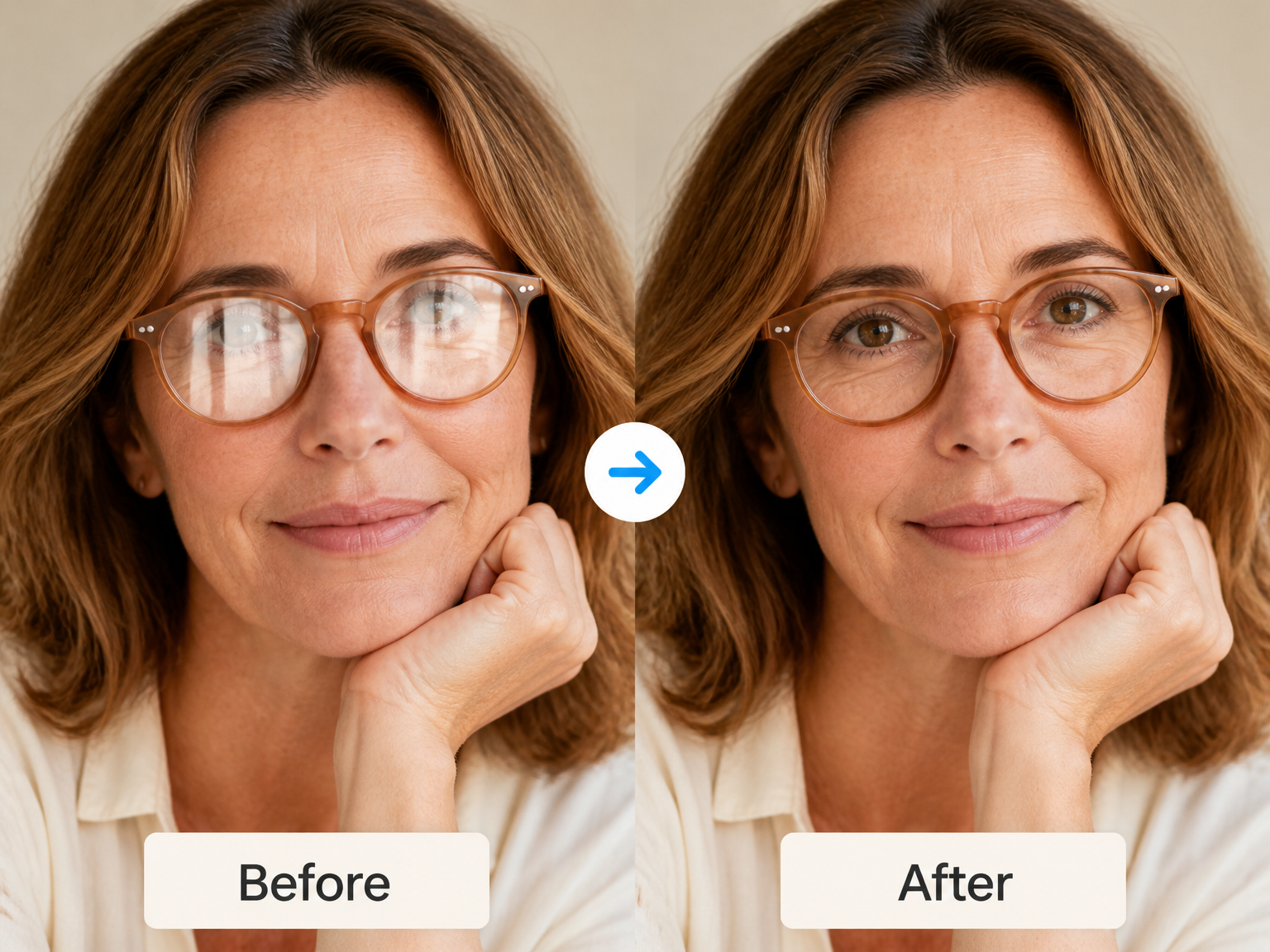
Let the eyes lead the portrait
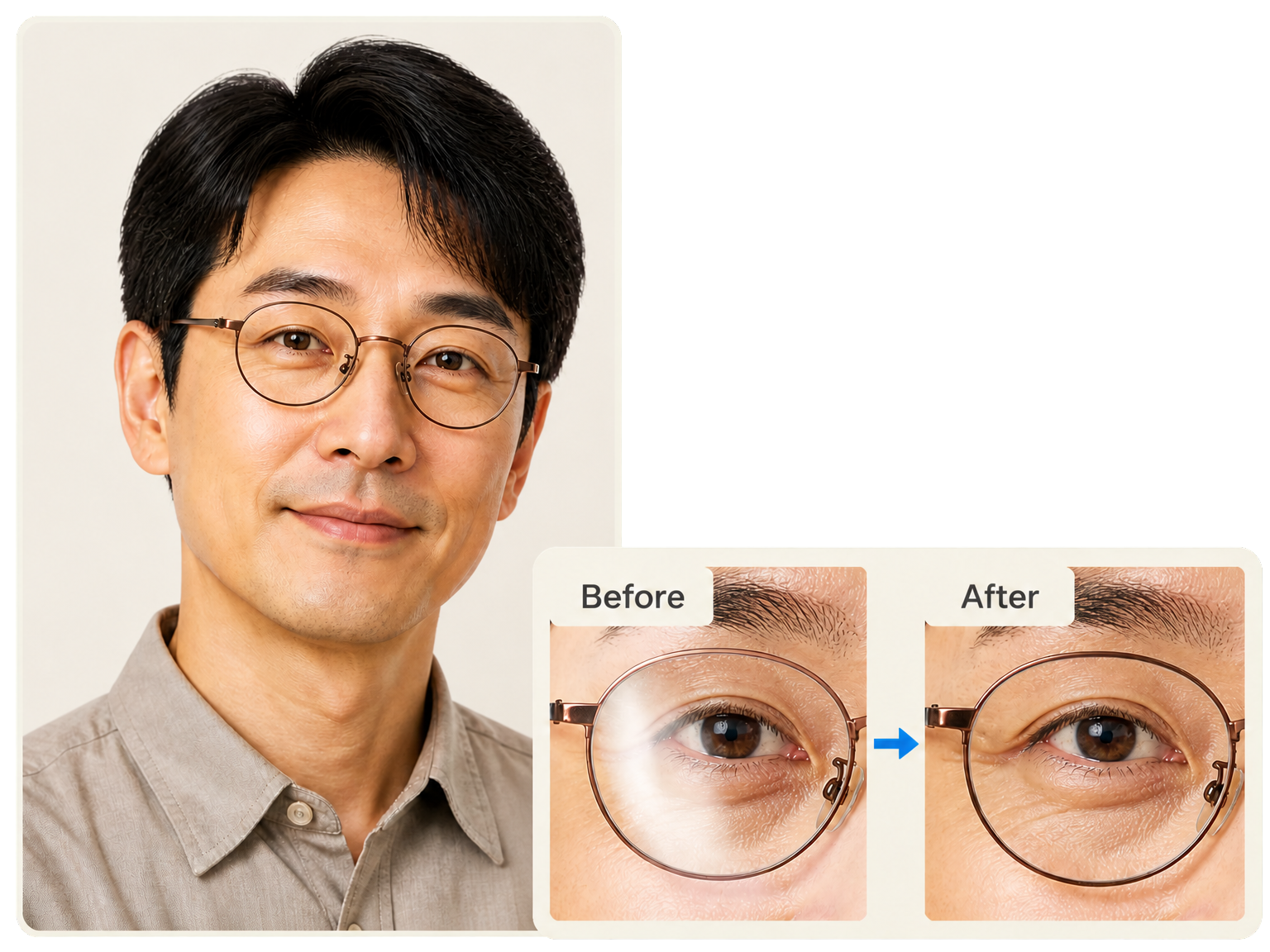
Reduce light streaks across eyeglass lenses so the expression draws attention again. Keep the same face, frames, and portrait lighting, with a cleaner view of the visible eye detail.
Keep the view beyond the glass
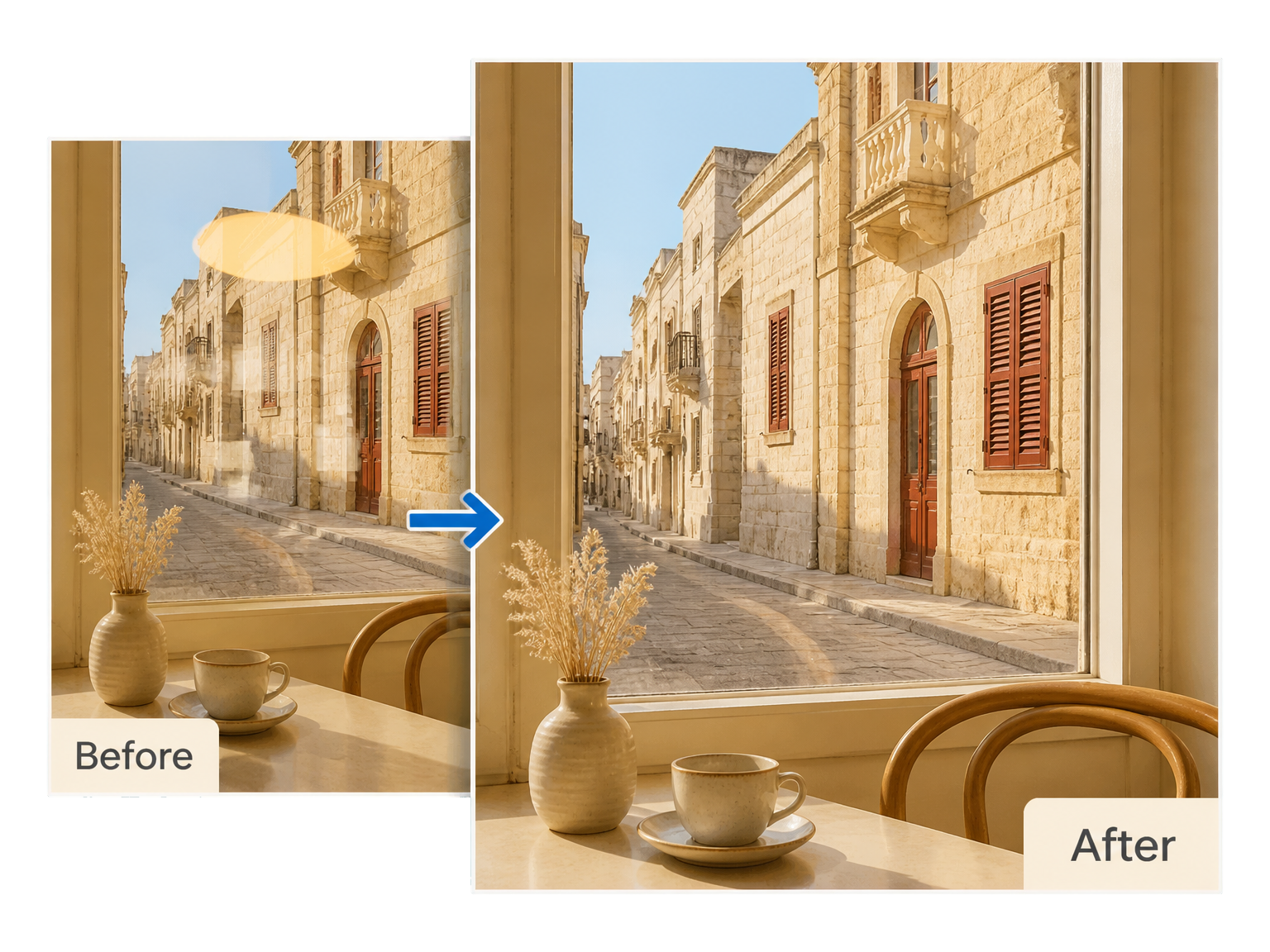
Take glare out of a picture shot through a window. Soften distracting bright reflections while keeping the scene’s shapes, colors, and sense of depth at the center of the photograph.
Let the product finish speak
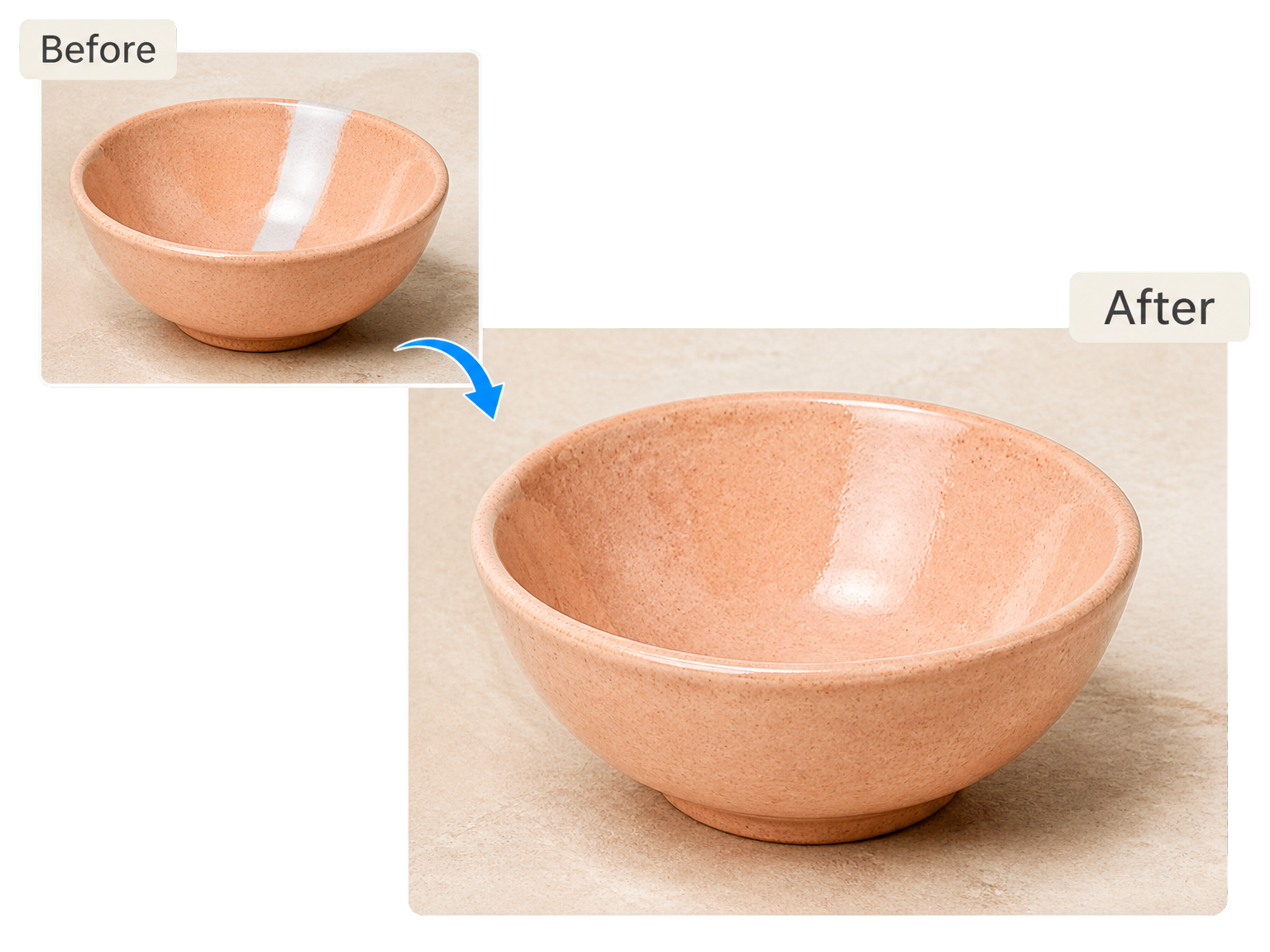
Remove light glare from photo surfaces without making polished materials look flat. Bring attention back to a ceramic glaze, a glass bottle, or a glossy package while retaining its natural sheen.
From reflection to result
How to Remove Glare from Photo
Start with the original photograph, let the tool reduce distracting reflections, then compare the edited details before saving.
Upload your photo
Add the photograph with the reflection you want to reduce. Keep the original image for a clear comparison.
Reduce the glare
Run the tool to soften bright reflections and bring the focus back to your subject.
Compare and download
Inspect the eyes, edges, and surface details beside the original, then save the version you prefer.
Keep what makes the photo yours
Less Glare, the Same Photograph
An AI glare remover keeps attention on the details that make a portrait, a window view, or a product recognizable.
Visible details first
Keep the eye detail, facial expression, and small features already visible beneath distracting reflections.
Natural surface highlights
Reduce harsh shine while retaining the soft highlights that give glass, ceramic, and polished surfaces their shape.
Original scene preserved
Keep the framing, background, and relationships between subjects while the glare receives the attention.
Colors that still belong
Preserve the photograph’s color balance so skin tones and product finishes stay connected to the original scene.
Portraits with presence
Draw attention back to the person rather than a bright streak across their glasses.
Products with texture
Keep material character visible, from the curve of a bottle to the glaze on a handmade bowl.
Everyday reflections
Small Reflections, Noticeable Improvements
"Reduce light streaks across eyeglass lenses so the expression draws attention again. Keep the same face, frames, and portrait lighting, with a cleaner view of the visible eye detail."
"Take glare out of a picture shot through a window. Soften distracting bright reflections while keeping the scene’s shapes, colors, and sense of depth at the center of the photograph."
"Remove light glare from photo surfaces without making polished materials look flat. Bring attention back to a ceramic glaze, a glass bottle, or a glossy package while retaining its natural sheen."
"Keep material character visible, from the curve of a bottle to the glaze on a handmade bowl."
Glare removal questions
Glare Remover: Your Questions
Is this glare remover free to use online?
How can I remove glare from a photo?
Can I reduce reflections on glasses?
Which image files and output sizes can I use?
Can I reduce window reflections and sun glare?
Do I need a brush or a written prompt?
Bring the subject back into focus