
Targeted blemish removal
Photo Blemish Remover for Natural-Looking Portraits
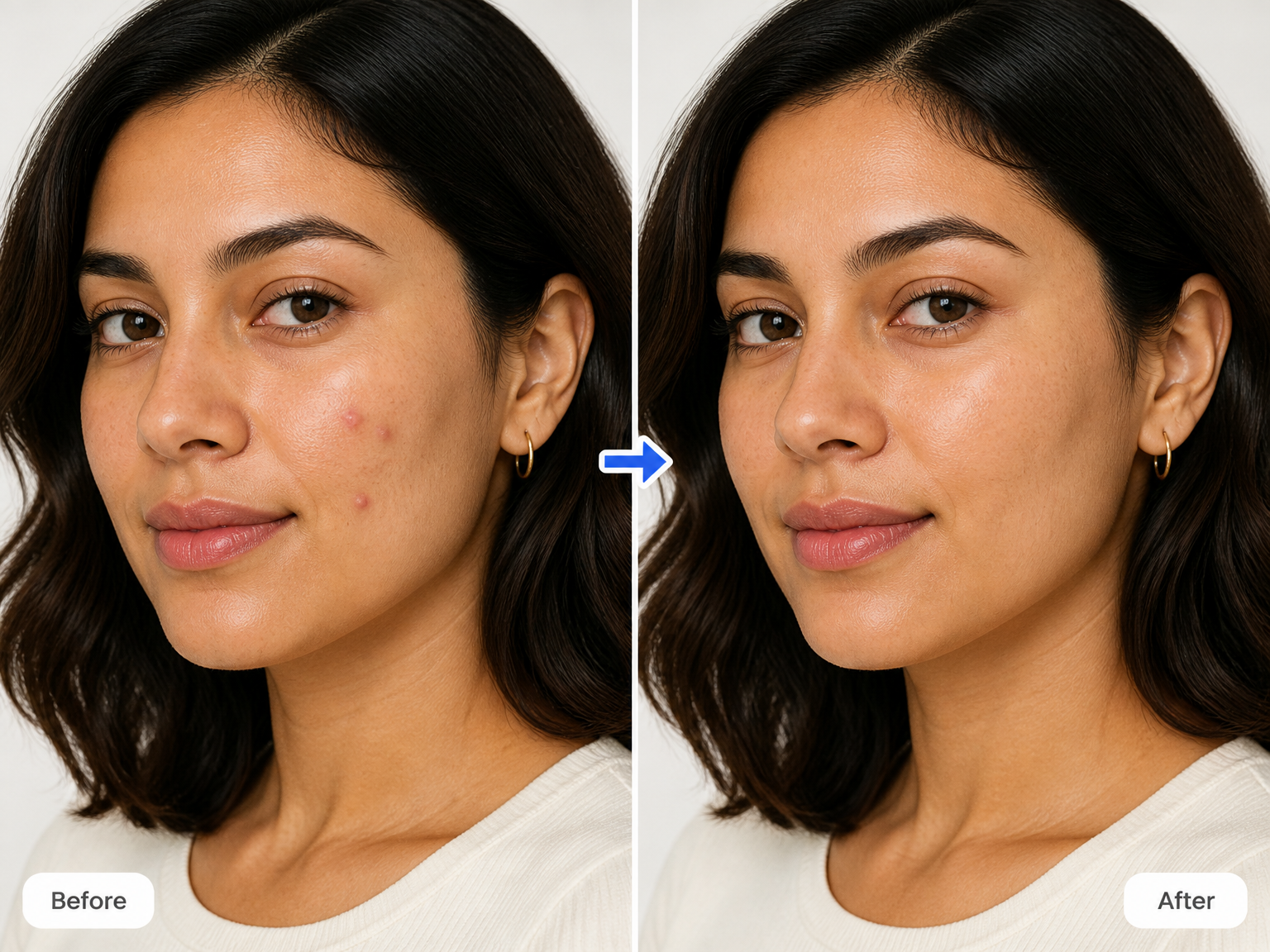
Remove temporary pimples and visible skin blemishes from a photo while keeping the same face, natural skin texture, and original portrait details.
Portrait touch-ups
Remove Blemishes from Headshots, Event Portraits, and Profile Photos
Professional headshots
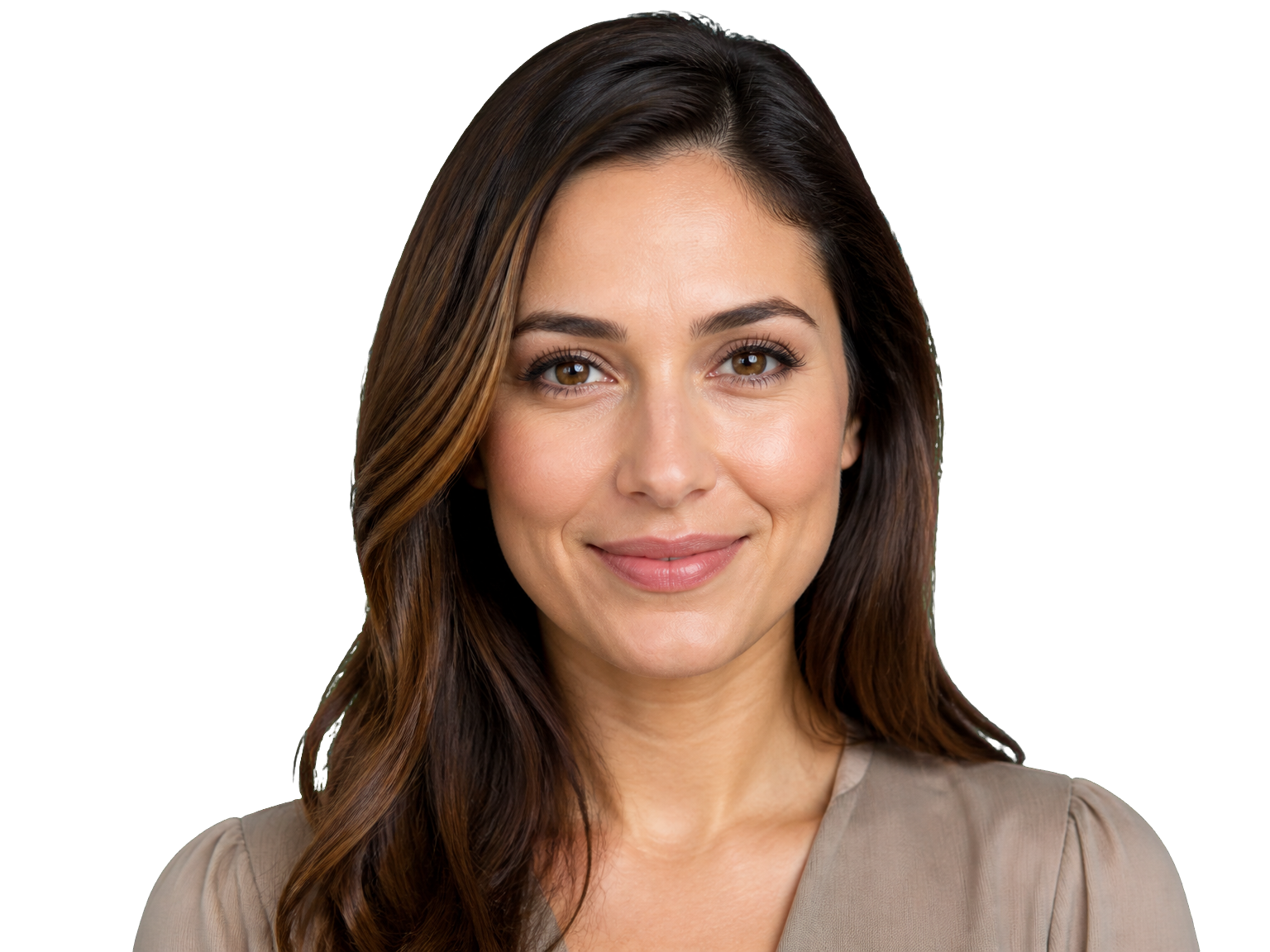
For LinkedIn profiles, company directories, and resumes, remove temporary breakouts from a close-up headshot while keeping the same expression, skin tone, and natural facial detail.

Event and graduation portraits
For graduation galleries, wedding guest portraits, and family event photos, remove visible pimples that distract from the moment without changing the people or setting.
Everyday profile pictures
For social profiles and messaging avatars, clear temporary blemishes from a portrait while keeping familiar features and the photo's original look.

How it works
How to Use a Blemish Remover in Three Steps
Upload a portrait, let AI remove temporary skin blemishes, then review and save the cleaned photo.
Upload your photo
Choose the portrait with the temporary blemishes you want removed.
Remove the blemishes
AI removes visible temporary spots while keeping nearby skin texture natural.
Review and save
Compare the result with your original, then download the portrait you prefer.
Why choose this tool
Blemish Remover That Rebuilds Only the Affected Skin
A focused blemish remover changes only the spots that draw attention. It removes temporary pimples and small surface blemishes while preserving the person's facial features, natural skin texture, and the original scene.
Remove Temporary Pimples Completely
Clear visible breakouts instead of simply fading their color, while leaving the rest of the portrait untouched.
Keep Natural Skin Texture
Preserve pores, fine lines, and freckles so the edited area still reads as real skin.
Preserve Facial Identity
Keep the original proportions, expression, skin tone, and recognizable facial features.
Leave Permanent Marks Alone
Keep moles, scars, birthmarks, tattoos, and other distinctive marks untouched.
Keep the Rest of the Photo
Leave hair, makeup, clothing, background, and lighting consistent with the original image.
Rebuild the Cleared Area
Fill the removed spot with nearby skin color, pores, and lighting for a natural transition.
Real-world results
A Cleaner Portrait, Still the Same Person
"I use it on staff headshots before adding them to our company directory. It removes the temporary spots that stand out in close-ups, but the skin still looks like skin."
"I had a small breakout before my graduation photos. The finished portrait looked like the same day and the same person, just without the spots pulling my attention."
"For family event albums, I want everyone to look like themselves. It clears small blemishes without changing expressions or the lighting in the photos."
"I wanted to clean up one profile picture, not apply a beauty filter. The result kept my freckles and facial details while removing the temporary blemishes."
FAQ
Blemish Remover Questions About Skin and Photos
How does a picture blemish remover clear pimples from a photo?
Can the Blemish Remover remove pimples without blurring skin?
Does the Blemish Remover remove freckles, moles, or scars?
Will my photo still look like me after blemish removal?
Which image formats can I upload?
What resolution can the result have?
How many credits does blemish removal use?
Can I use a blemish remover online for free?
Ready for a clearer portrait?