
Bring dark photos back into balance
Image Brightener for Clearer Shadow Detail
Lift underexposed areas and reveal more of the scene while keeping bright details, true colors, and the original look intact.
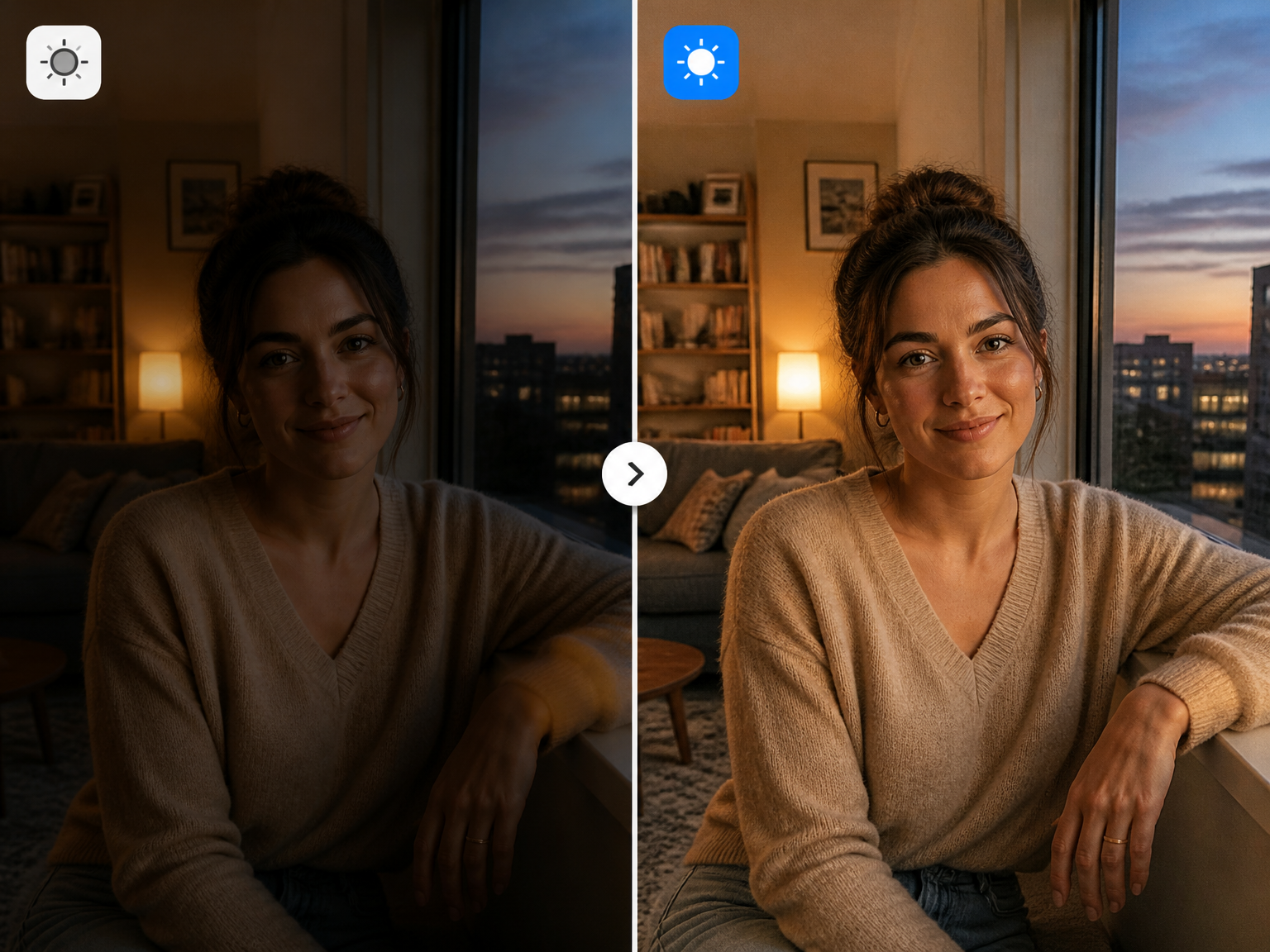
Photo brightening for real moments
Bring dim scenes back into view
Lift dim indoor portraits
Bring faces and clothing into clearer view after low-light room shots, while keeping skin tones and the atmosphere natural.
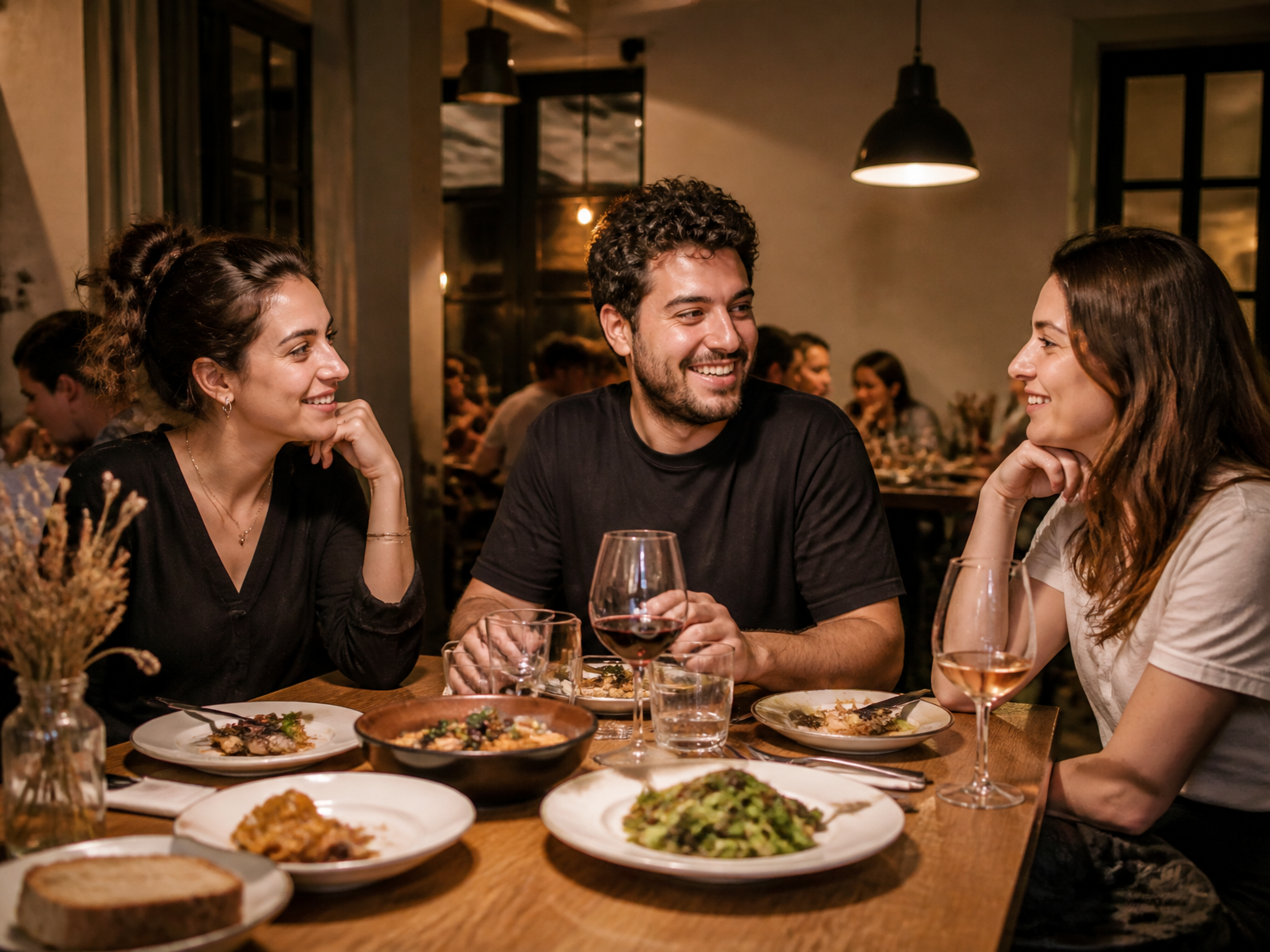
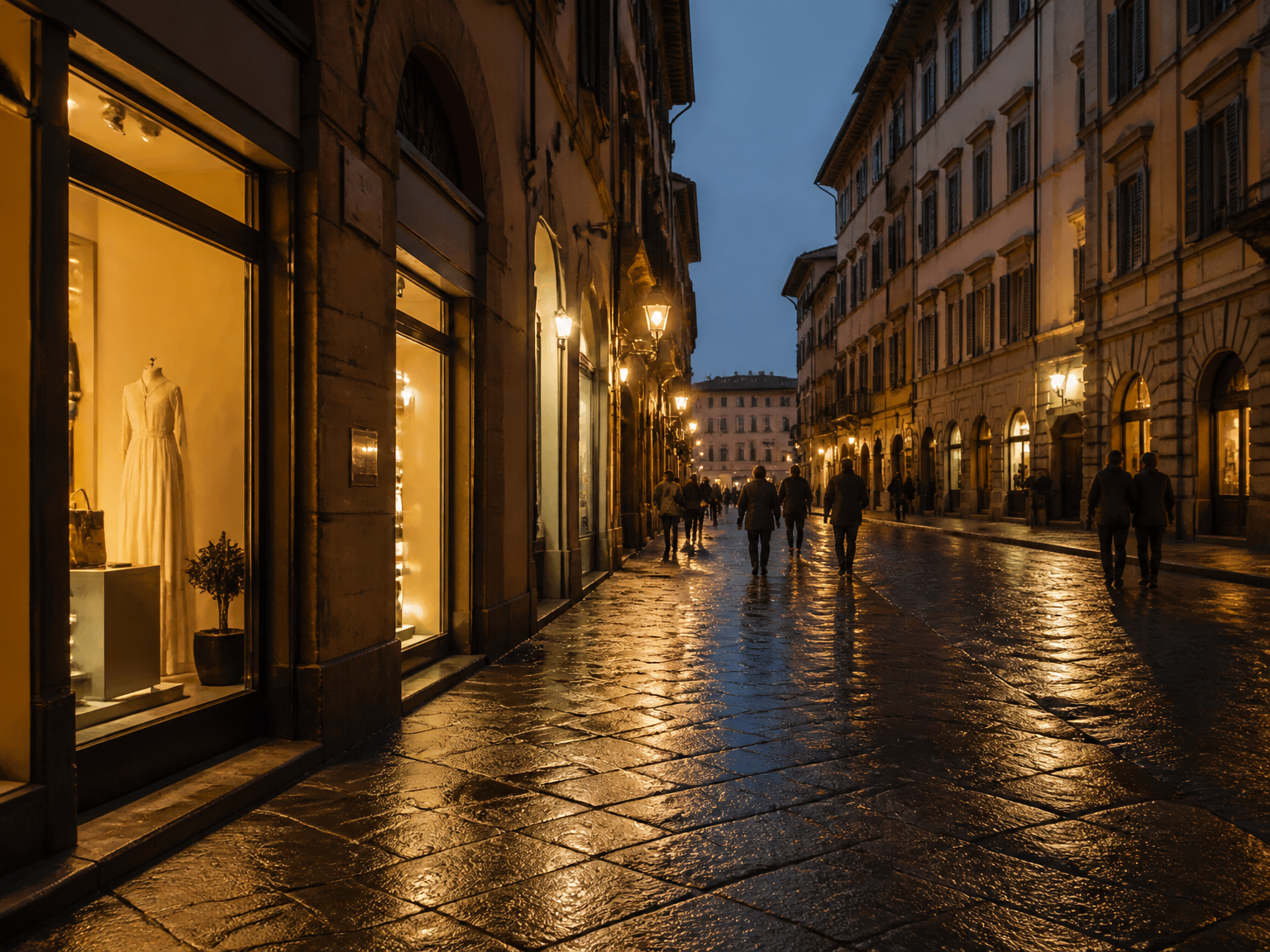
Keep the mood in evening photos
Make underexposed street and travel photos easier to see without flattening the night mood or washing out bright signs.
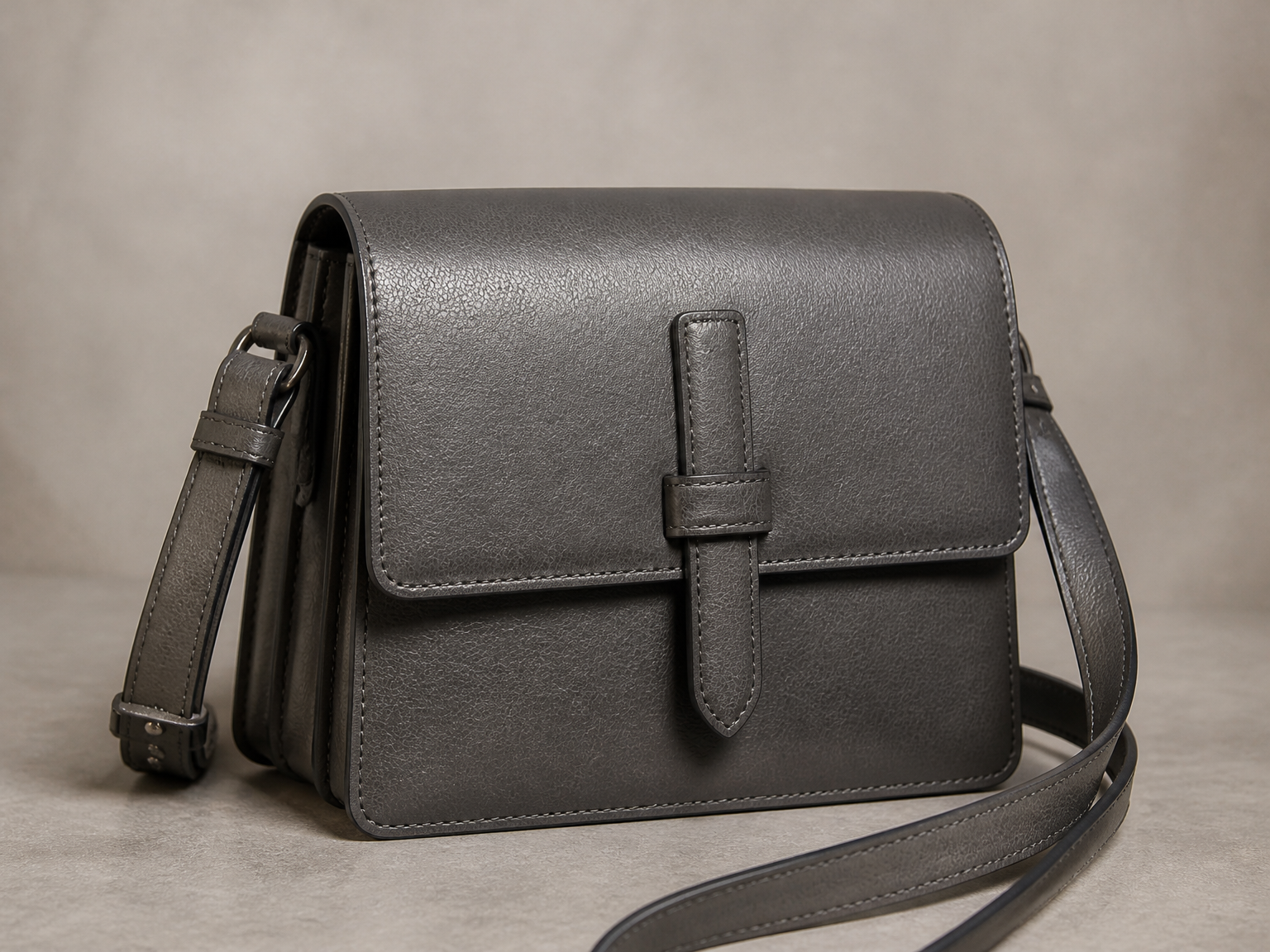
Give product photos clearer light
Brighten shadowed product shots so materials, shapes, and colors read more clearly for storefronts and listings.
A simple photo workflow
Use Image Brightener in three simple steps
Start with the photo as it was captured, then review a brighter version that keeps the scene recognizable.
Upload your photo
Add the dark or underexposed image you want to brighten.
Create a brighter result
Let Image Brightener improve exposure while keeping the original scene and colors in view.
Review and download
Check the result, then save the brighter version that works for your photo.
Balanced light, not a new scene
Keep dark photos natural with Image Brightener
Image Brightener brings underexposed areas into clearer view while keeping bright details, natural color, and the original scene intact.
Lift dark areas
Bring underexposed parts of a photo into clearer view without turning the whole scene flat.
Keep bright details
Hold on to highlights and bright surfaces so the result feels balanced, not washed out.
Preserve the original scene
Keep people, objects, framing, and small details in their original place.
Keep colors believable
Retain natural skin tones and product colors instead of adding an artificial cast.
Made for real photos
Useful for dim rooms, evening streets, backlit moments, and shadowed product shots.
A natural-looking finish
Aim for a brighter image that still feels like the same photo.
From dim capture to clear result
Clearer photos from everyday low-light moments
"The indoor portraits from our community events are easier to see now, but the warm room light still feels like the evening we captured."
"I can bring detail back to dim café shots without making the window highlights look like white patches."
"Our product photos look clearer when a shadowed corner made the packaging hard to read. The colors still feel true."
"It helps me improve family photos taken in low light without making faces look like a different version of themselves."
Image Brightener FAQ
Image Brightener questions, answered
Is this tool free to use?
What image formats can I upload?
What output resolutions are available?
What does High-quality mode do?
How do I brighten a dark photo?
Can I brighten a photo without overexposing it?
Why does a brightened photo look washed out?
Does an AI image brightener keep the original colors?
Can Image Brightener process multiple photos at once?
Can I brighten an image online?
Give your photo a clearer light