
Product background removal for ecommerce
AI Background Remover for Ecommerce Product Photos
Use this background remover for ecommerce product photos to remove the scene around each item and keep a clean, transparent cutout for your store visuals.
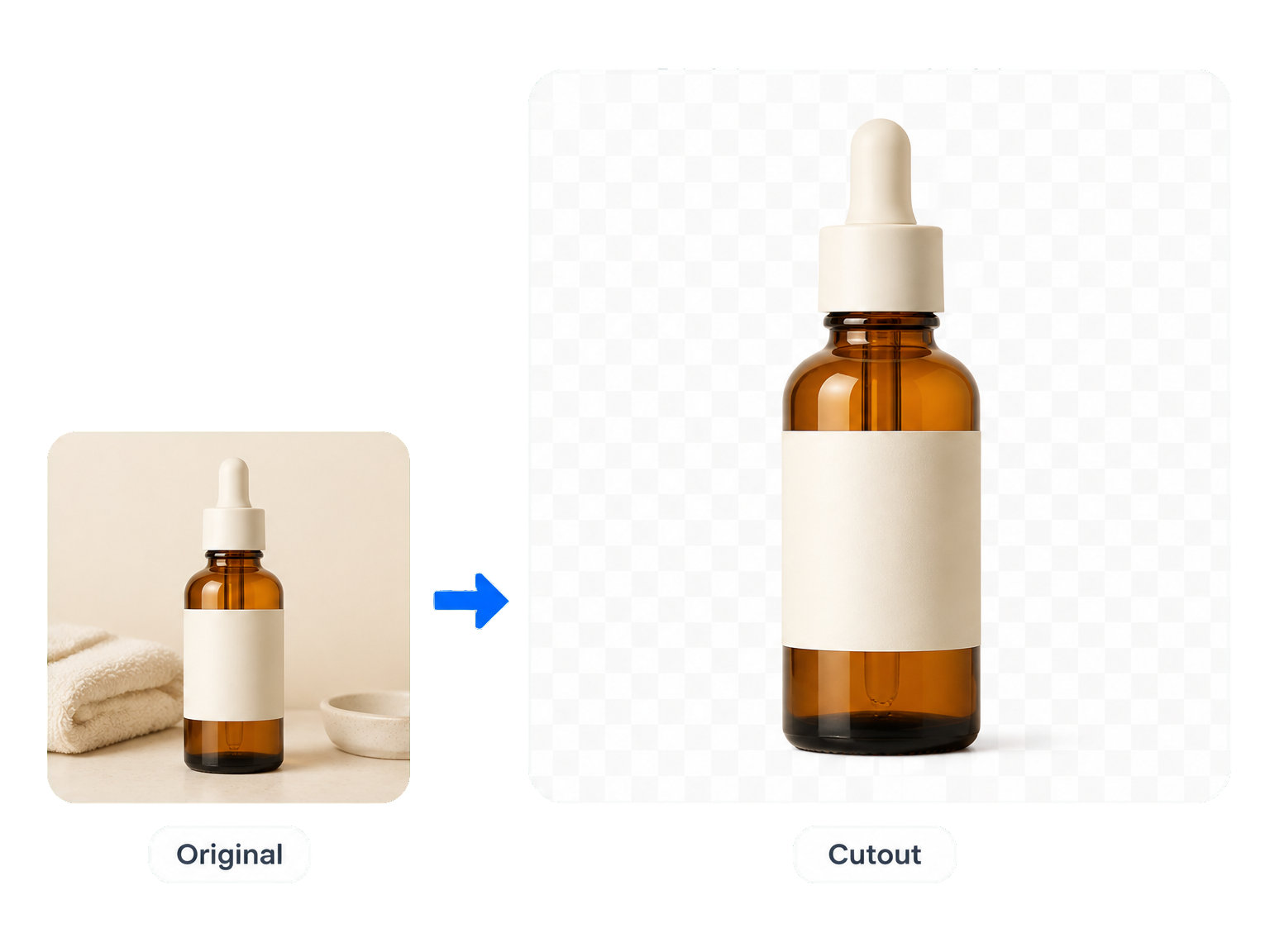
Product photo workflows
Use Product Background Removal for Cleaner Store Listings
Product listings
Isolate a single item from its original setting and create a transparent product photo that keeps shoppers focused on the product itself.
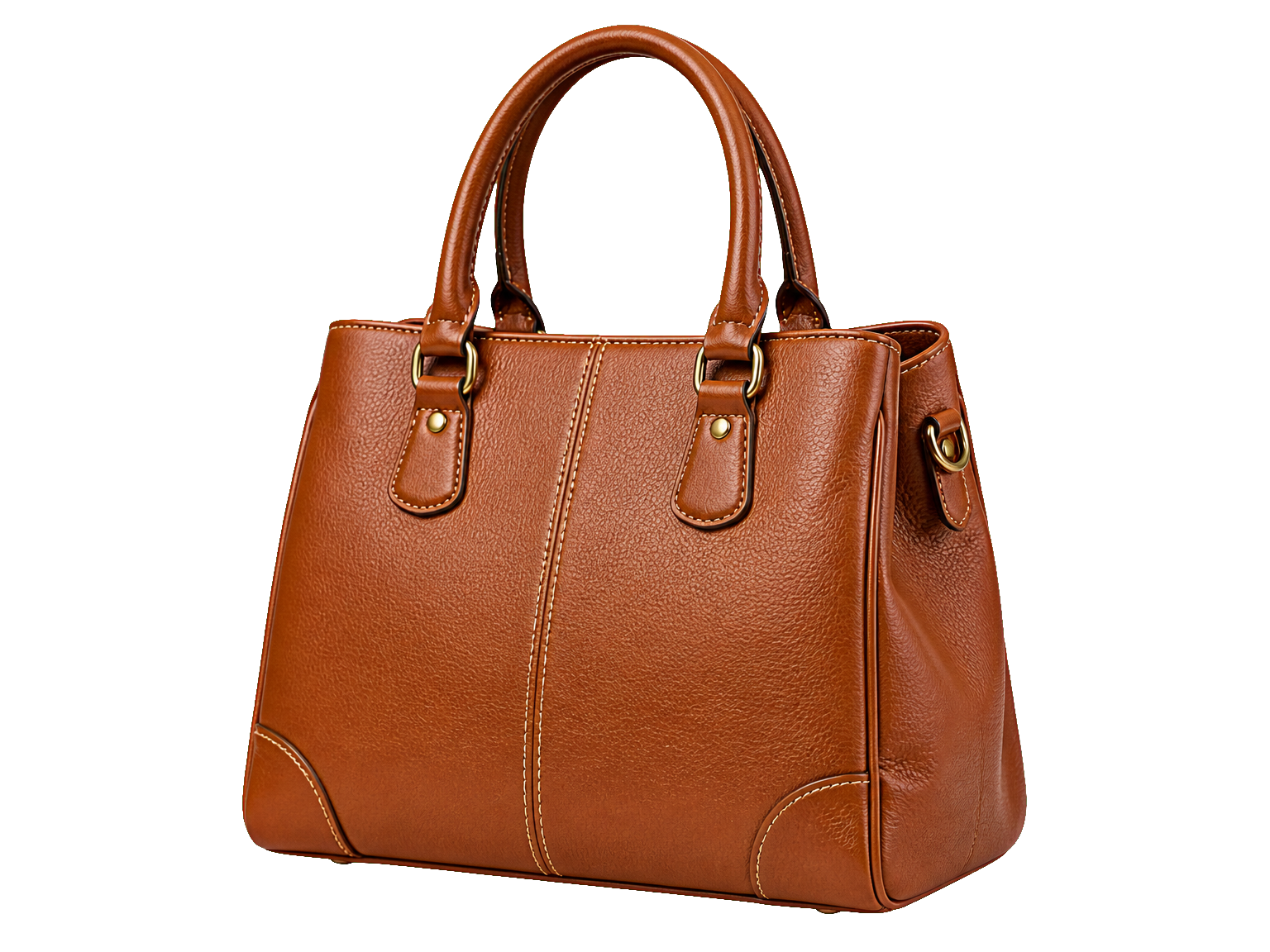
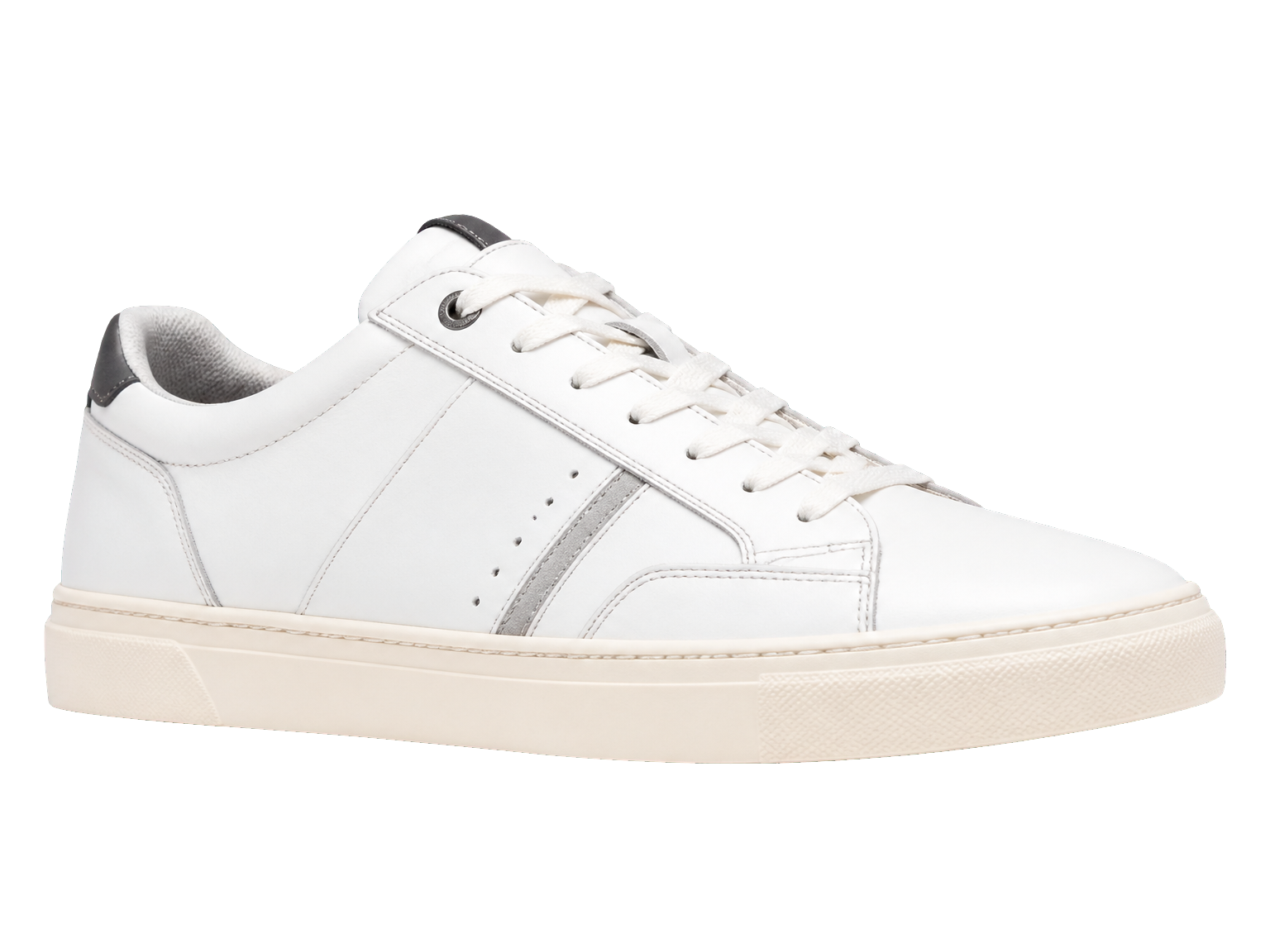
Catalog grids
Bring product shots from different scenes into a cleaner, more consistent catalog presentation.
Campaign layouts
Lift a product from its surroundings before placing it into a promotional layout or product card.

A simple product-photo workflow
Remove Product Backgrounds for Ecommerce in Three Steps
Turn a product photo into a clean cutout with a straightforward upload, removal, and download workflow.
Upload a product photo
Choose the product image you want to clean up.
Remove the background
Run the tool to separate the product from its original scene.
Save the cutout
Review the transparent result and download the image.
Made for product-first visuals
Keep product details in focus after background removal
A clean cutout gives every product photo a clearer role in your store’s visual system.
Product-first framing
Remove the surrounding scene so the item takes visual priority.
Cleaner catalog visuals
Bring different product shots into a more consistent presentation.
Detail-aware cutouts
Keep attention on visible edges, shapes, and material details.
A Reusable Product Cutout
Bring the isolated item into a product card, store banner, or campaign composition without rebuilding the product photo.
Consistent Catalog Framing
Use similarly framed product photos to keep subject scale balanced across a catalog grid.
Flexible Product Placement
Place the transparent cutout into a product card, store banner, or campaign layout in your preferred editor.
For the people behind the listings
Product Cutouts for Everyday Store Workflows
"I can lift the product out of a room shot and keep the focus on the item in the listing."
"The cutout makes it easier to build a clean catalog grid from photos taken in different places."
"I use the isolated product image as a starting point for campaign layouts and product cards."
"It gives our product photos a simpler look without having to retake every shot."
Background Remover for Ecommerce FAQ
Answers About Ecommerce Product Background Removal
What does a background remover for ecommerce do?
Can product background removal work for different types of products?
Does this tool support bulk product background removal?
Which image formats and file sizes are supported?
Can free users remove ecommerce product backgrounds?
What does High-quality mode change?
Can I make a white background for product photos?
How do I check a product cutout before using it in a marketplace listing?
Put the product first