
Logo Background Remover
Remove Background from Logo for Seamless Brand Layouts
Remove background from logo images and give your brand mark a place in your next layout, without the surrounding box.
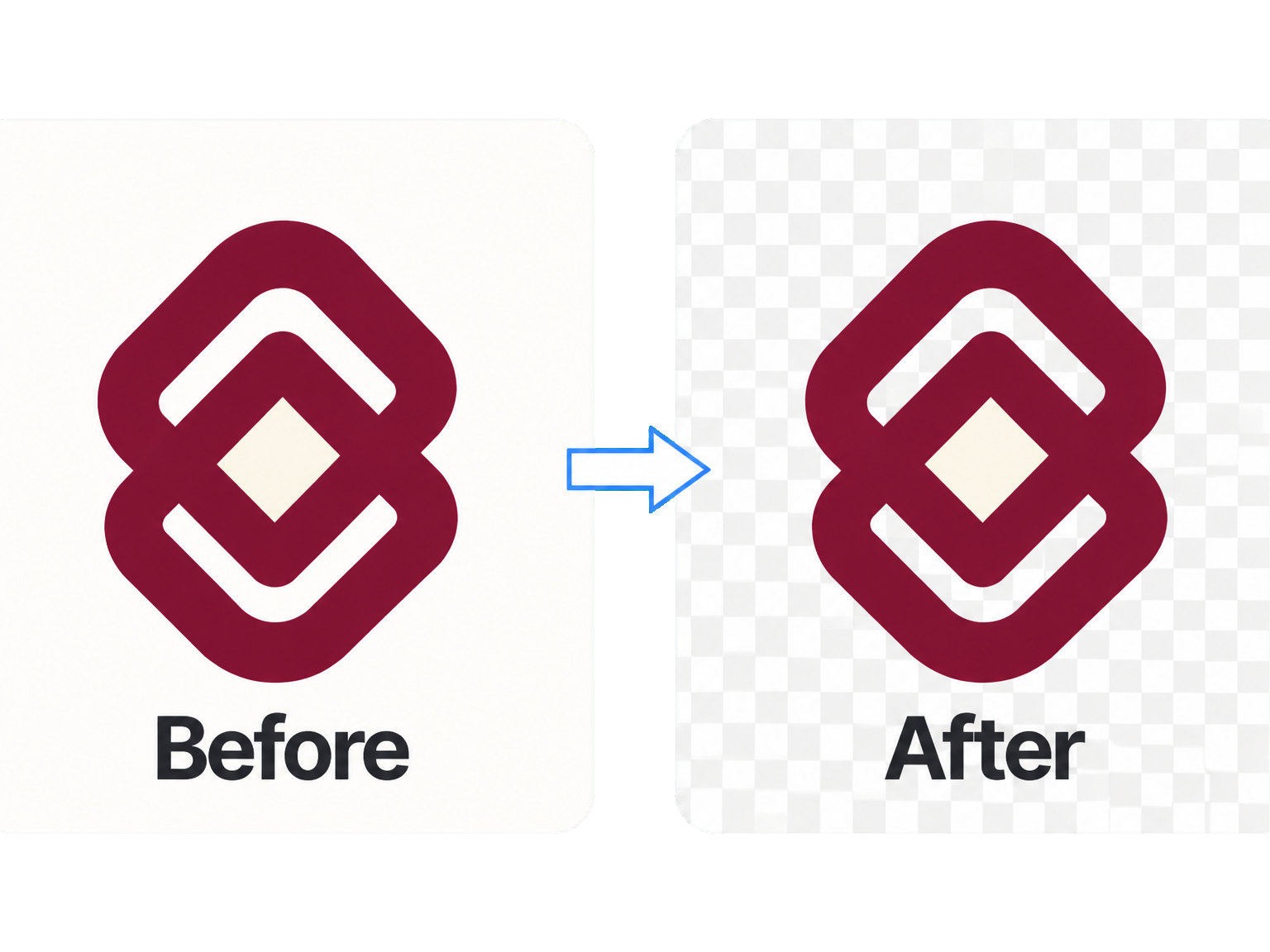
Give your mark room
Place Your Logo Where the Background Used to Be
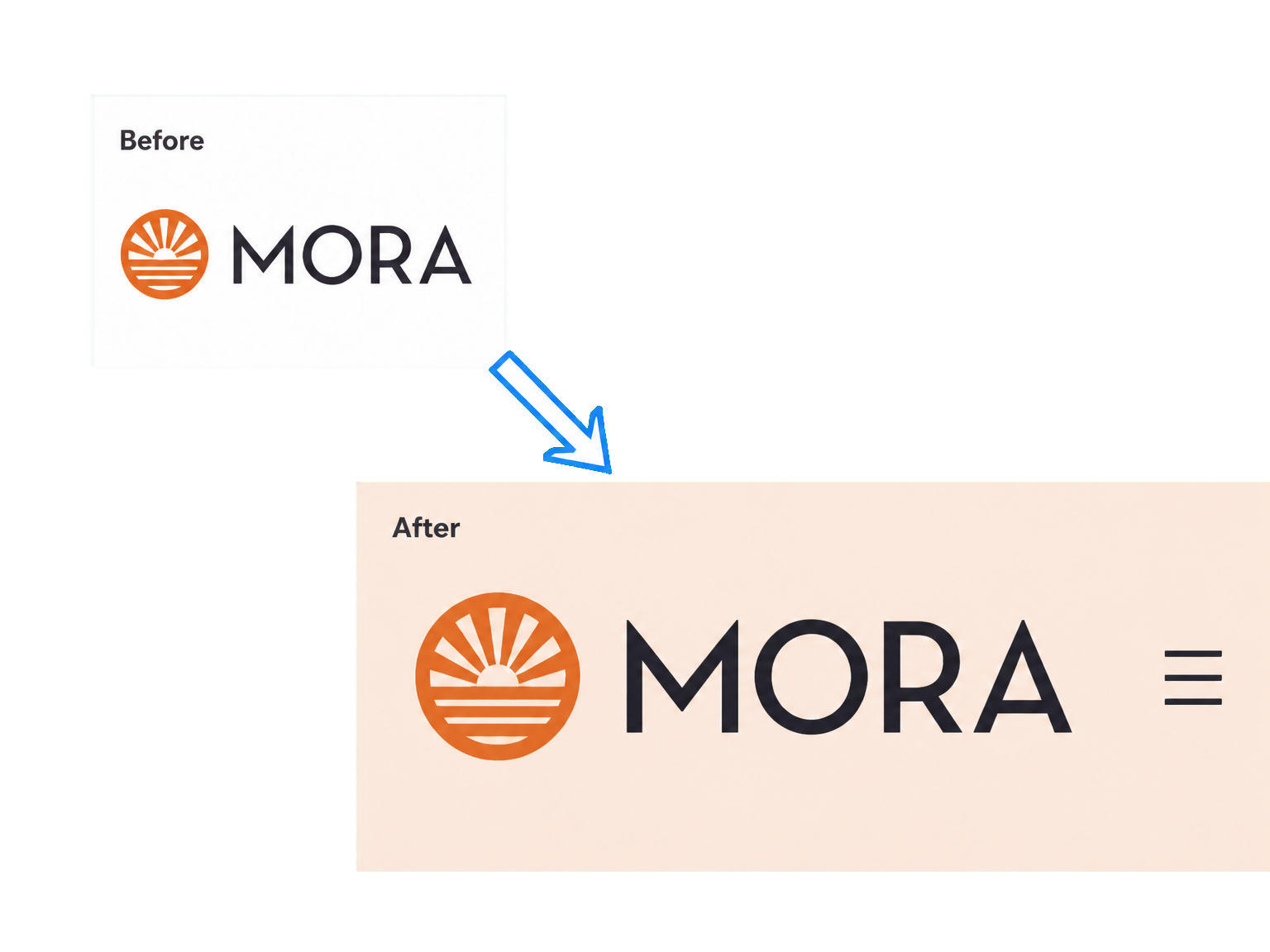
Blend a Wordmark into Your Website
For web designers updating a site header, a logo cutout leaves the page color around the lettering instead of a white rectangle.
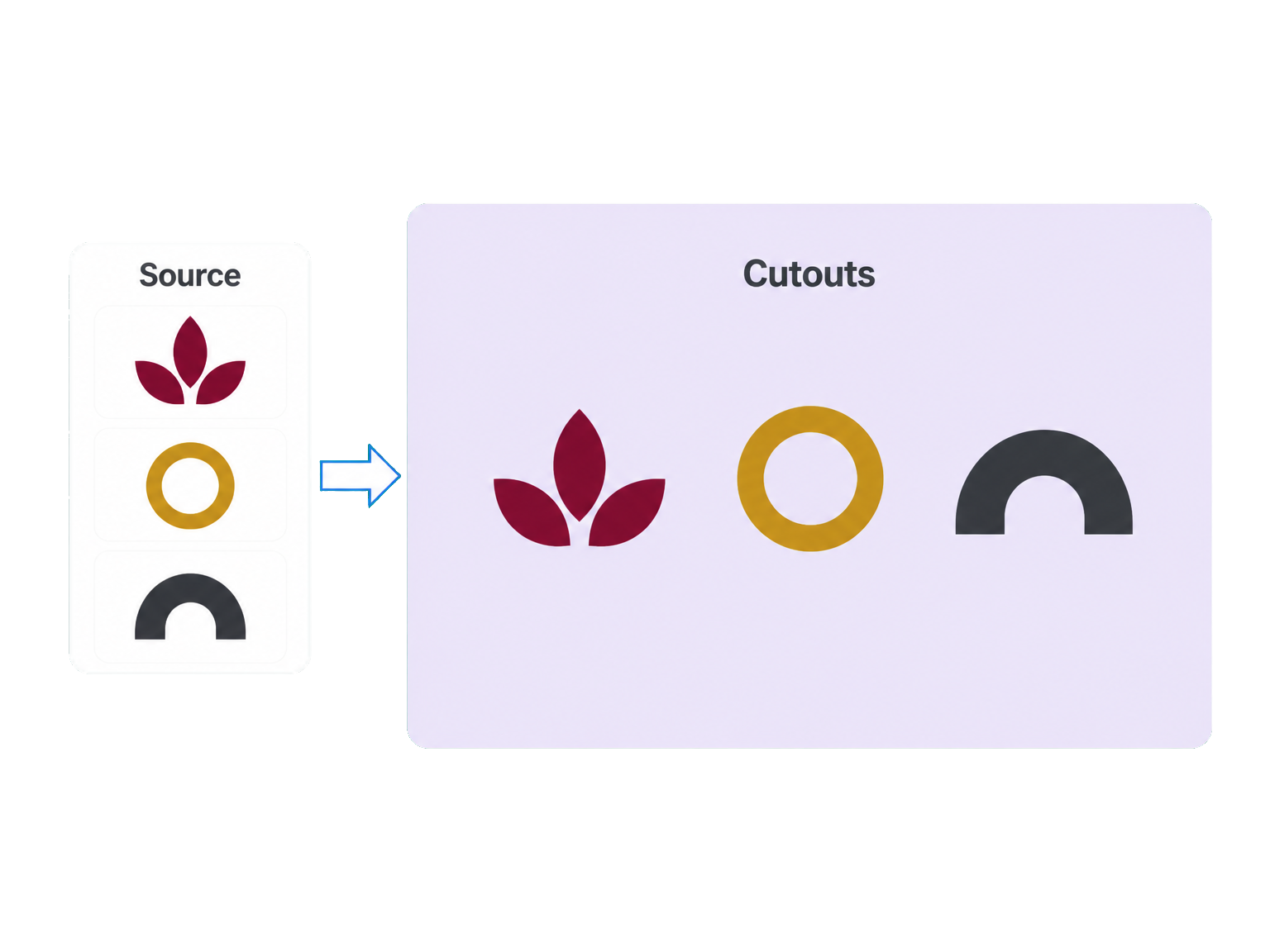
Bring Sponsor Logos into Presentation Slides
For event organizers building a sponsor slide, remove the surrounding blocks so each partner mark sits within the presentation design.
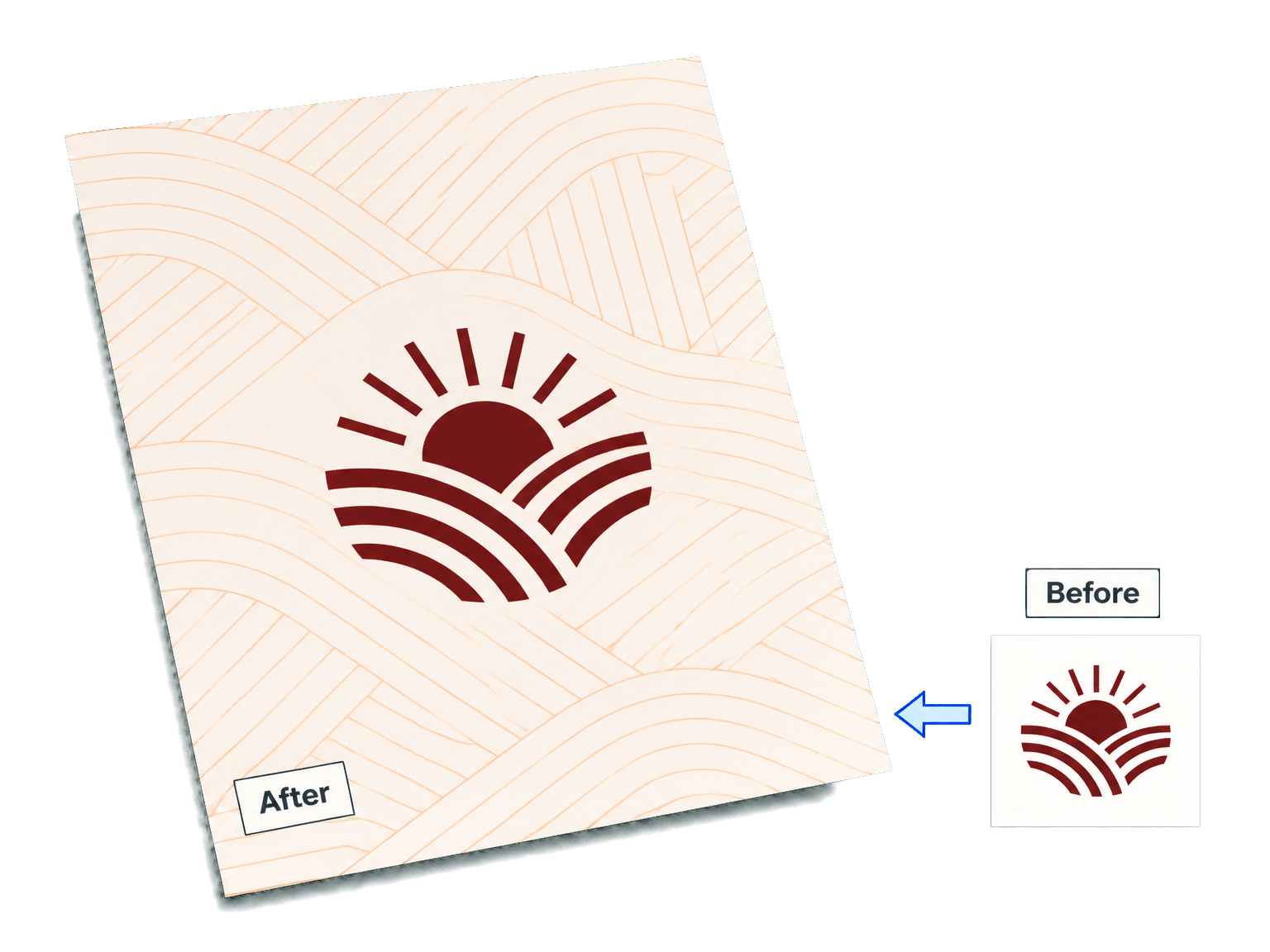
Carry Your Mark onto Packaging Concepts
For small-shop owners planning labels and wrapping, separate a logo from its old backdrop before placing it on the packaging artwork.
From logo image to cutout
How to Remove Background from Logo Images
Start with your logo image, run the removal, then review the mark before you save it for the next design.
Upload Your Logo
Add the logo image with the background you want to remove.
Remove the Background
Run the tool to separate the brand mark from its surrounding backdrop.
Review and Save
Look over the lettering and outline, then download the result.
Let the mark lead
Remove Background from Logo and Keep the Design in Focus
A logo belongs to the layout around it. Remove the old backdrop so the mark can take its place in a new design.
Leave the Surrounding Box Behind
Let the design show around the mark.
Give Lettering Its Own Space
Separate the wordmark from its old backdrop.
Bring Backdrop-Free Marks Together
Place partner logos into one coherent composition.
Let New Surfaces Set the Mood
Carry the logo onto a different design surface.
See the Change Side by Side
Compare the original image with the cutout.
Keep the Focus on Your Identity
Make the mark, rather than its old background, the focal point.
Logo stories
See How a Cutout Changes the Layout
"The old white rectangle interrupted every header concept. Separating the logo gave me a mark I could place against the page colors."
"Our sponsor slide looked like a pile of unrelated boxes. The cutout logos made the partner section feel like part of the event deck."
"I used the isolated shop mark in a wrapping concept. The paper pattern could sit around the emblem instead of stopping at a square."
"Seeing the original beside the result helped me spot which letter openings needed another look before I sent the layout to my client."
Before you start
Remove Background from Logo: Your Questions Answered
Is it free to remove background from logo images?
Which logo files can I upload?
How do I remove background from logo images?
How do I remove white background from logo images?
Why does my logo have a light outline after background removal?
Does a PNG logo always have a transparent background?
Does removing the background convert my logo into SVG?
Can I adjust quality or restore parts of the logo manually?
Your mark, a new setting