
Photo noise reduction
AI Denoise for Clearer Low-Light Photo Details
Clean up distracting grain and color speckles in portraits, night shots, and everyday photos while keeping the original scene and its natural texture.
Where cleaner photos matter
Denoise Images in Scenes That Show Every Speckle
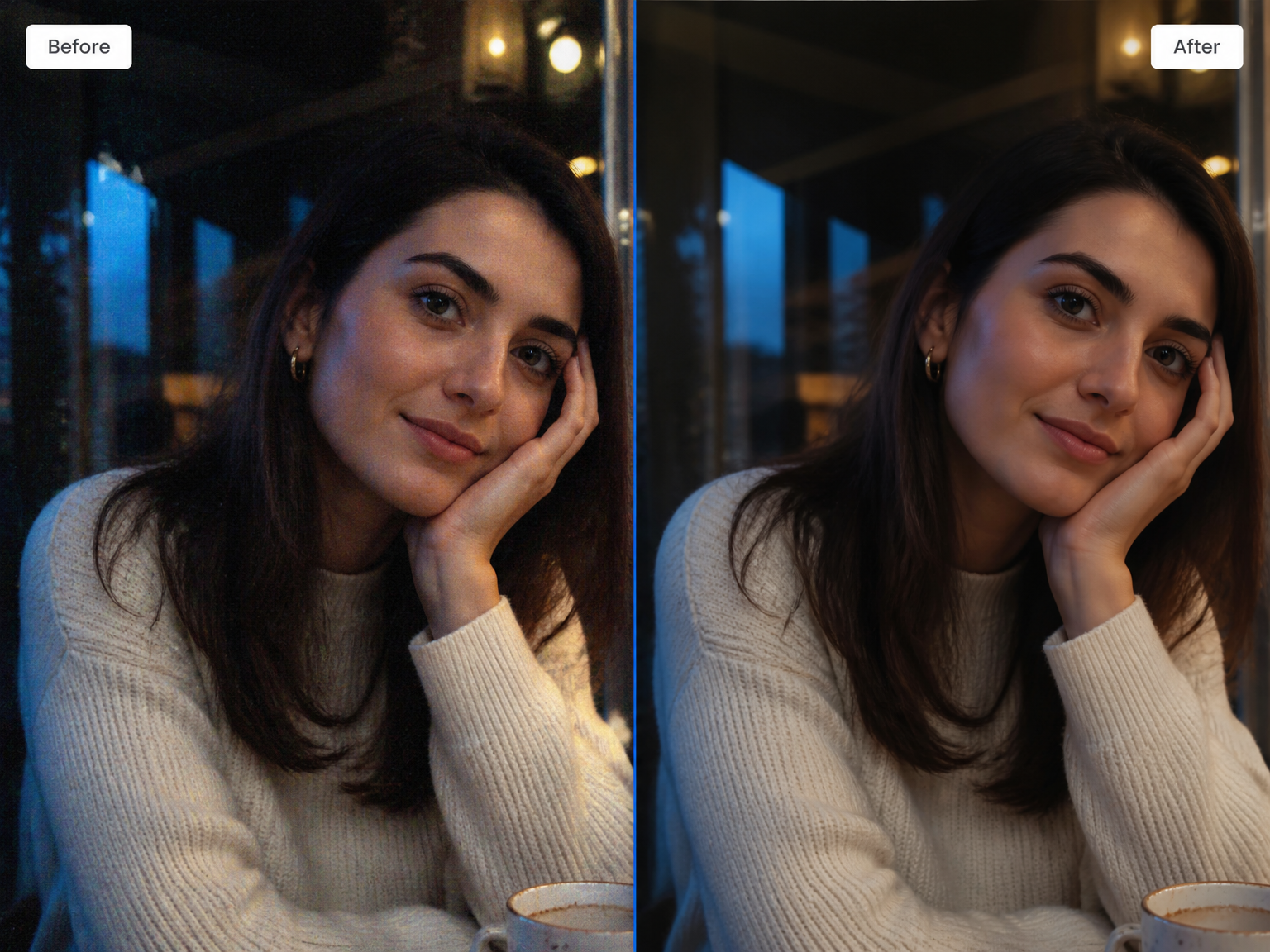
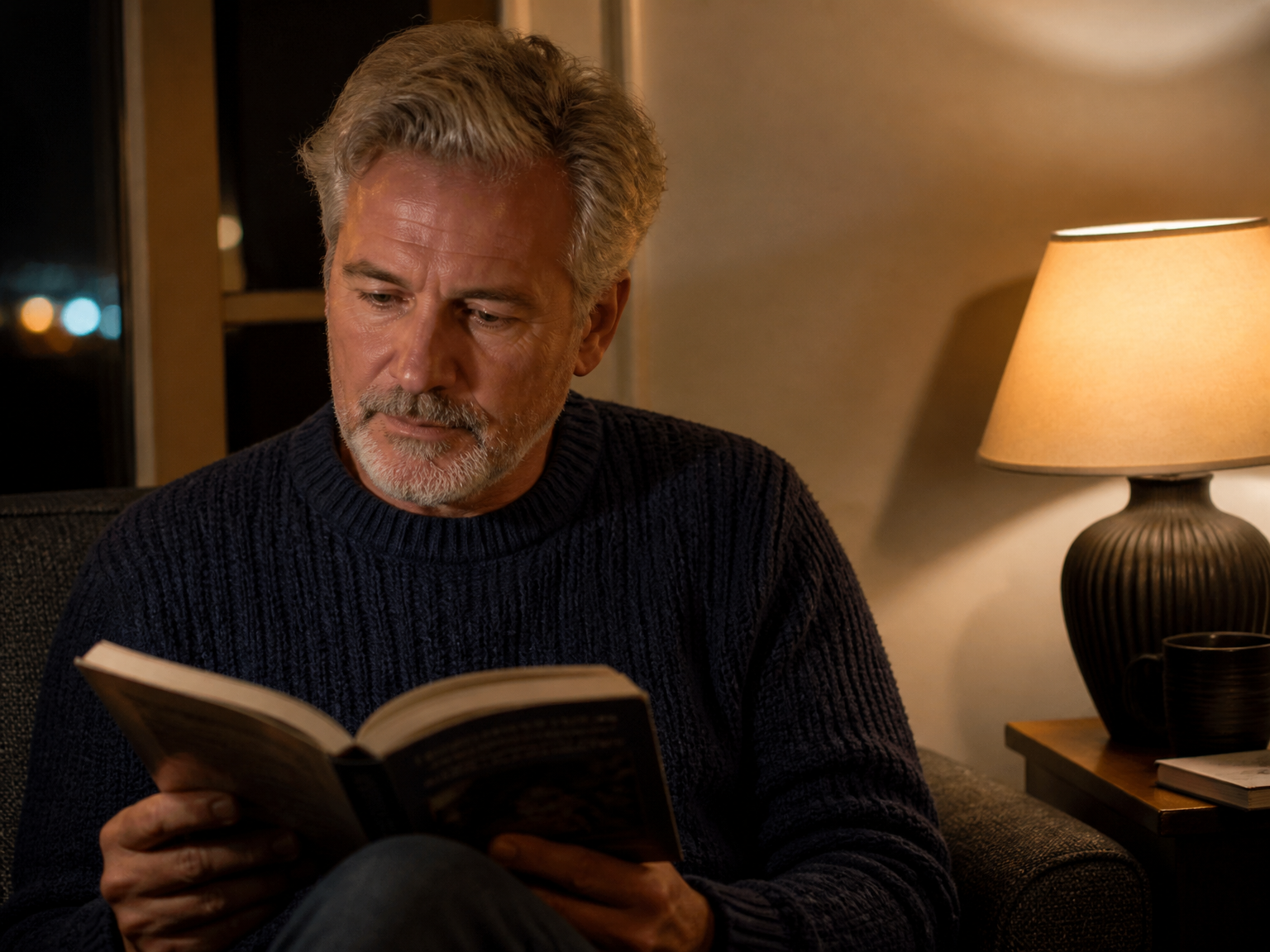
Low-Light Portraits
Make distracting grain less visible around faces and dark backgrounds without losing the character of the portrait.
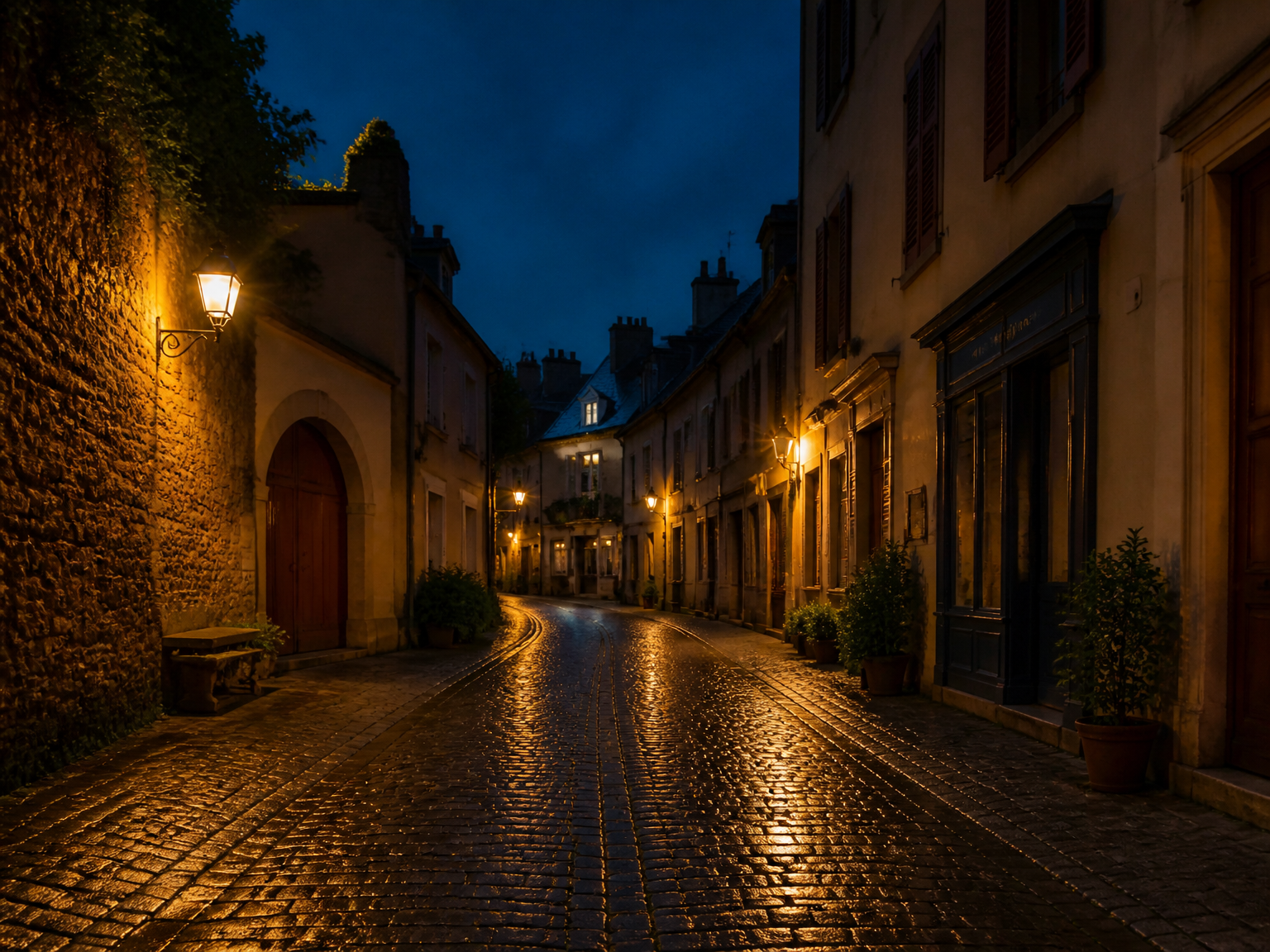
Night Streets and Travel
Calm speckled skies, streets, and shadows while keeping the lights and outlines that define the moment.
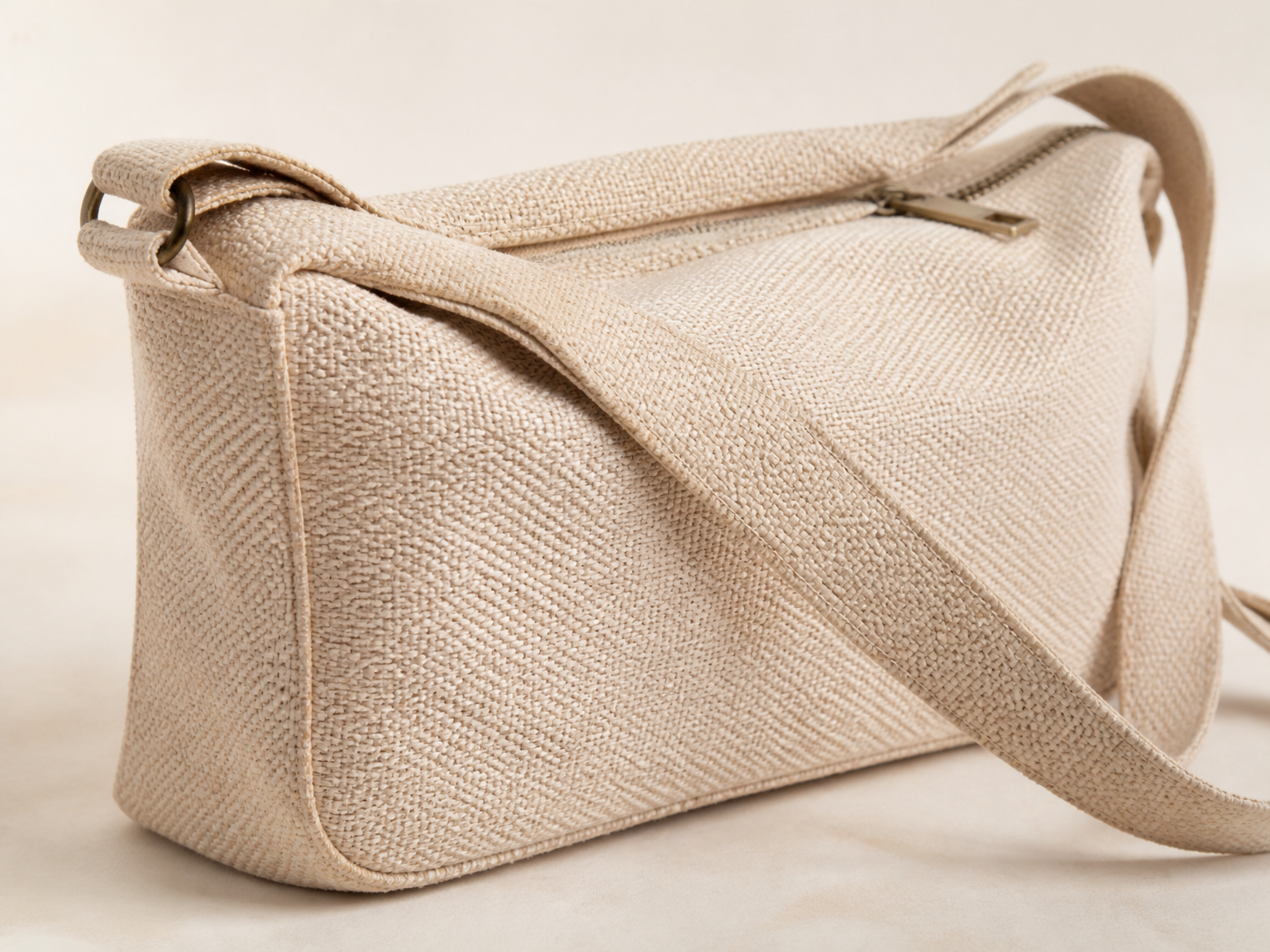
Product Textures and Close-Ups
Give fabric, packaging, and small product details a cleaner presentation without wiping away material texture.
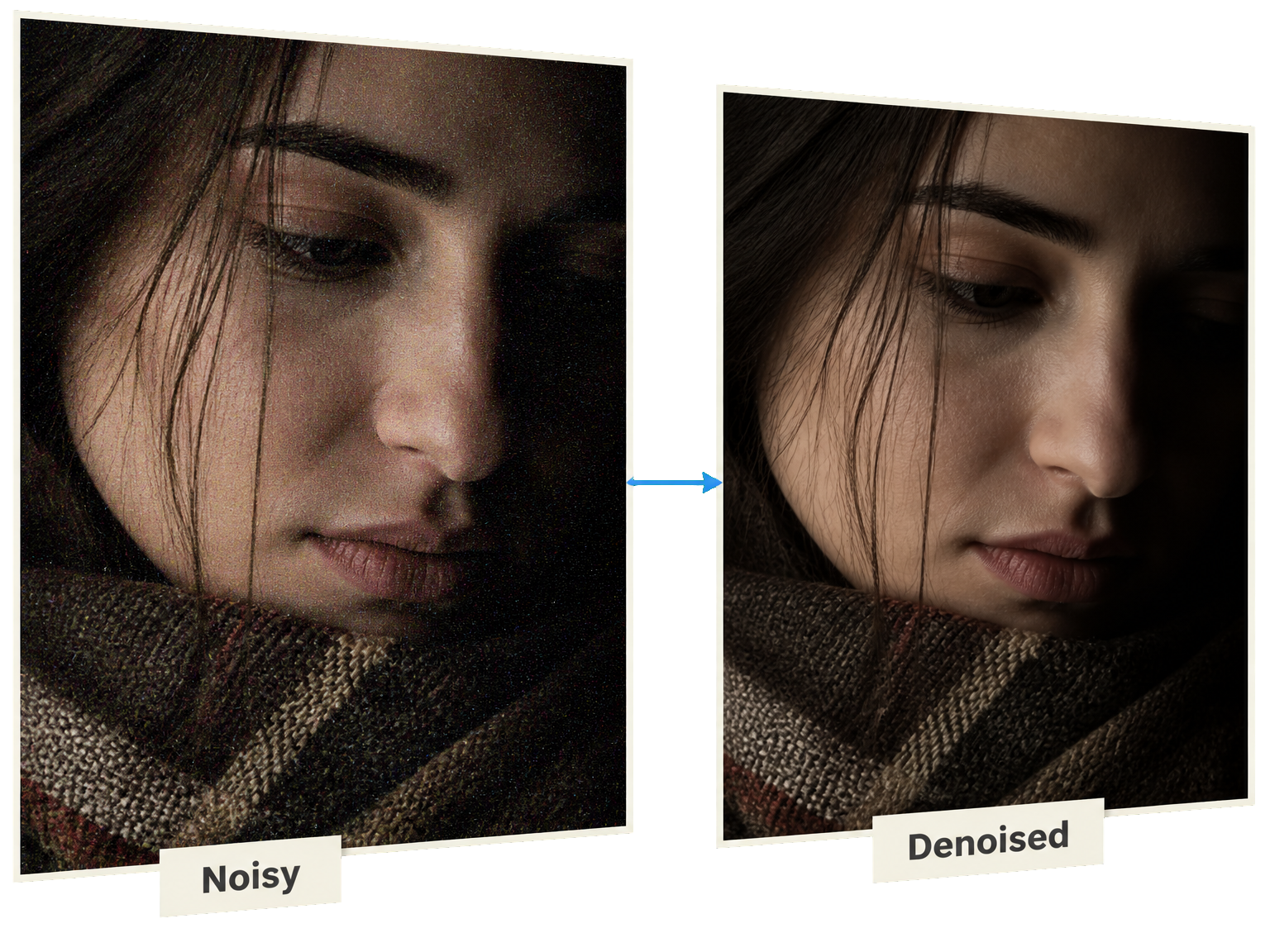
Understand the problem
What Is AI Denoise and How Does It Reduce Image Noise?
An AI image denoiser reduces unwanted variations in brightness and color that appear as grain or colored speckles. These flaws often become obvious in shadows and low-light photographs. Unlike fixing blur, denoising aims to calm noisy areas while keeping meaningful edges, fabric weave, hair, and the original scene recognizable. Extremely noisy photos may still lose some fine texture, so checking the result matters.
From grainy to cleaner
How to Denoise a Photo with AI in Three Steps
Give the image enhancer your noisy photo, let it reduce visible speckles, then inspect the result before saving.
Upload Your Noisy Photo
Start with the original image that has distracting grain or colored speckles.
Let AI Reduce the Noise
The image enhancer works to calm noisy areas while respecting the scene.
Review and Download
Look closely at skin, edges, and texture before saving the result.
A more natural finish
Reduce Grain Without Flattening the Photo
Good noise reduction should make the photo easier to see without making everything look painted.
Cleaner Dark Areas
Quiet the random speckles that compete with shadow detail.
Recognizable Portrait Texture
Keep hair and skin looking like part of a real photograph.
Edges That Still Make Sense
Protect the shapes that separate objects from their surroundings.
Faithful Color and Lighting
Improve noisy regions without changing the mood of the scene.
Keep the Atmosphere
Clean up evening photos without turning night into daylight.
Check Real Detail
Compare hair, text, and fabric before deciding the edit is finished.
From the image enhancer
Photo Details People Care About Keeping
Existing Image Enhancer user experiences show why faithful textures, recognizable faces, and natural low-light scenes matter.
Priya Raghunathan (Marketplace Seller)

Priya Raghunathan Marketplace Seller
Our oldest listing photos had gone mushy after years of resizing. The stitching and label print came back readable without the fabric color shifting on buyers.




Questions about denoising
AI Denoise: Answers Before You Edit
What does AI denoise do to an image?
How do I denoise a photo with ImgEnhancer?
Can AI denoise help low-light and high-ISO photos?
Will AI denoise make skin or fabric look too smooth?
Is photo noise the same as image blur?
Can AI denoise reduce JPEG blocks or color banding?
Can I use AI denoise online, and which files can I upload?
Is AI denoise free, and how are credits charged?
Less noise, more of the photo