
Natural portrait retouching
AI Photo Retouching That Still Looks Like You
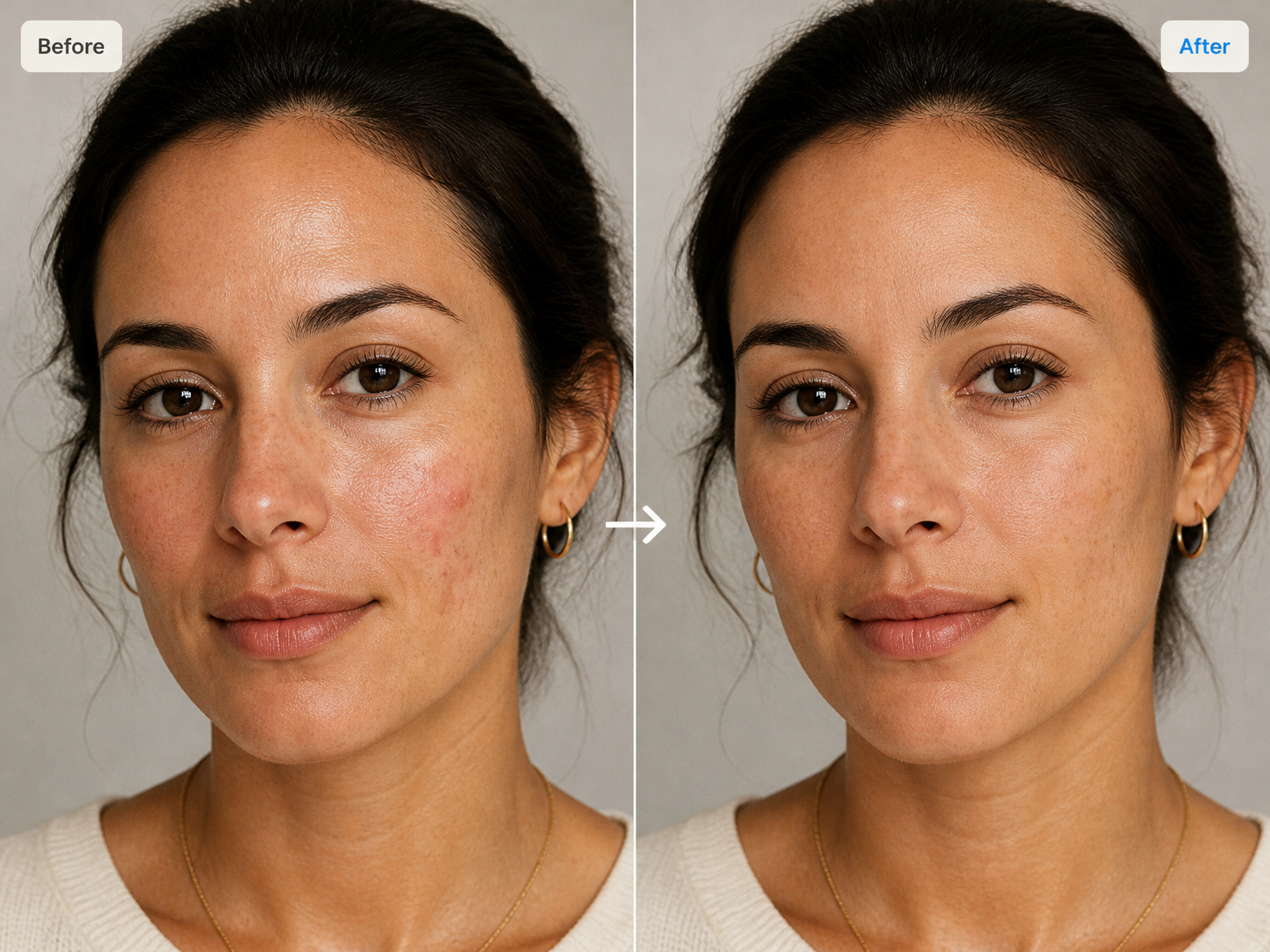
AI photo retouching automatically softens small blemishes, balances uneven shine, and tidies flyaway hairs while preserving real skin texture, familiar facial features, and the original scene.
Use cases
AI Photo Retouch Tool for Headshots, Events, and Profiles
Professional headshots
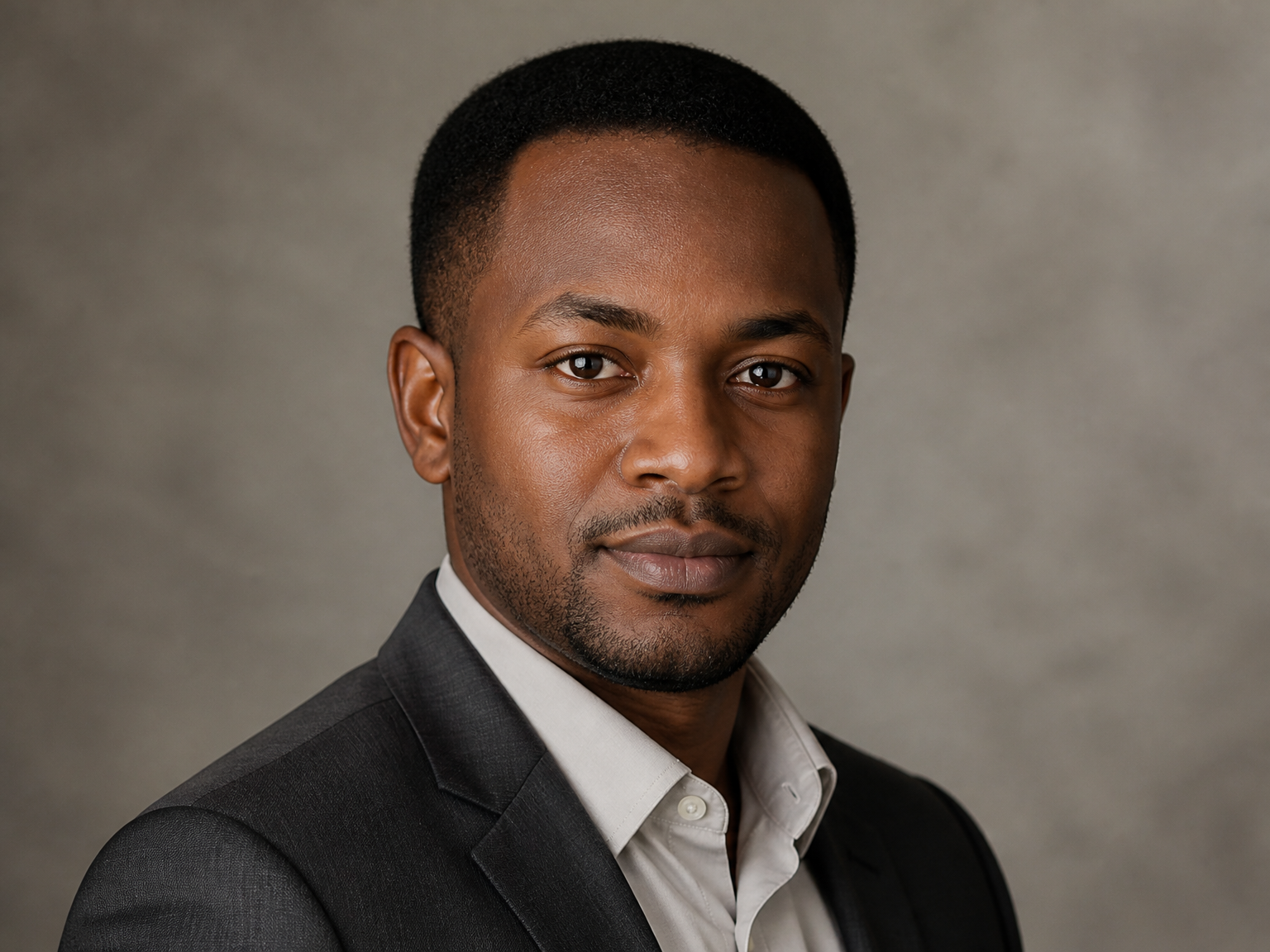
For LinkedIn profiles, resumes, and portfolio pages, reduce localized shine and tidy flyaway hairs so a headshot looks polished while keeping the same expression and natural skin detail.
Event portraits
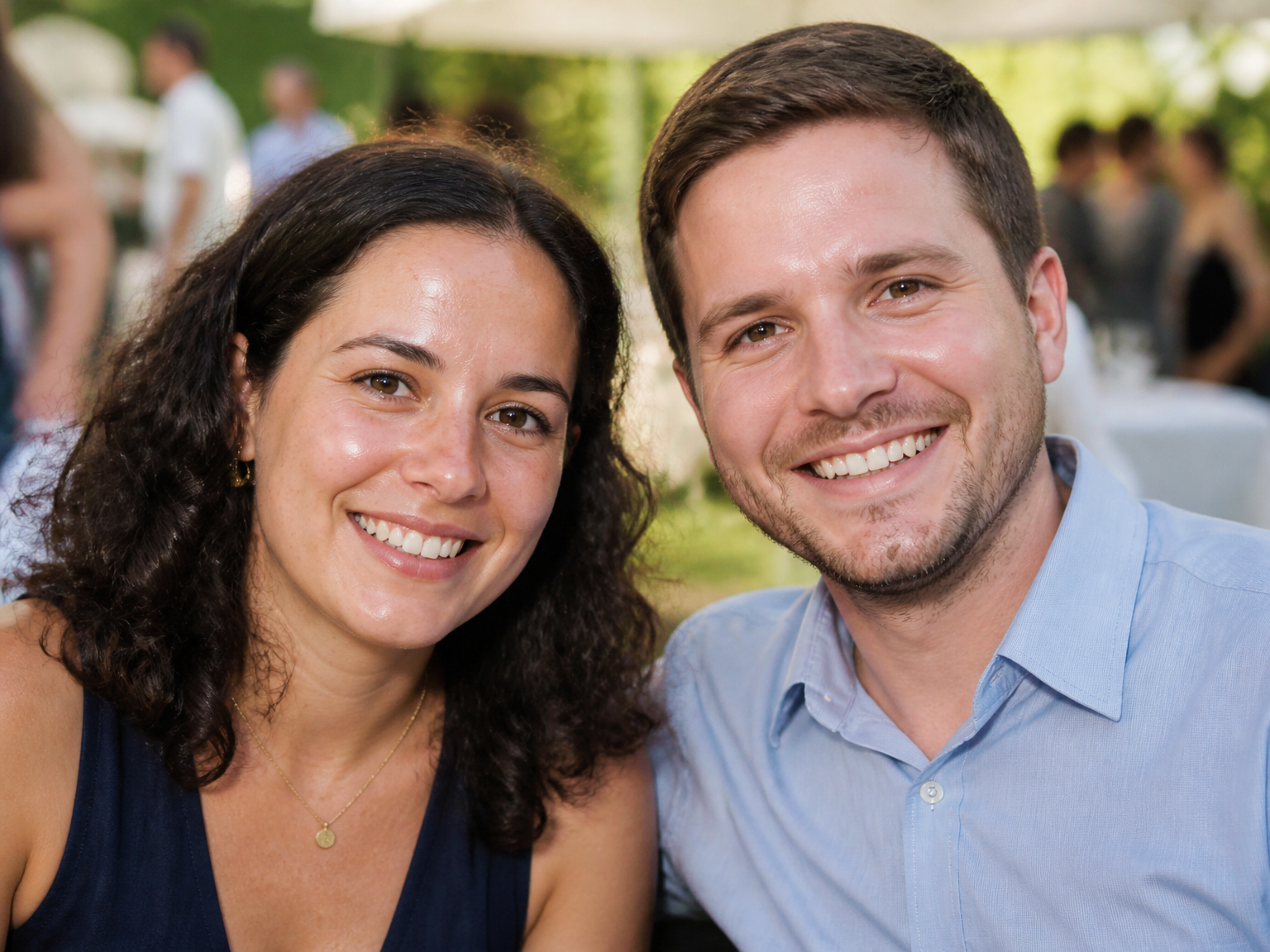
For family albums and event galleries, soften temporary blemishes, balance uneven shine, and tidy flyaway hairs in close-up portraits while preserving the lighting, setting, and feeling of the moment.
Everyday profile photos
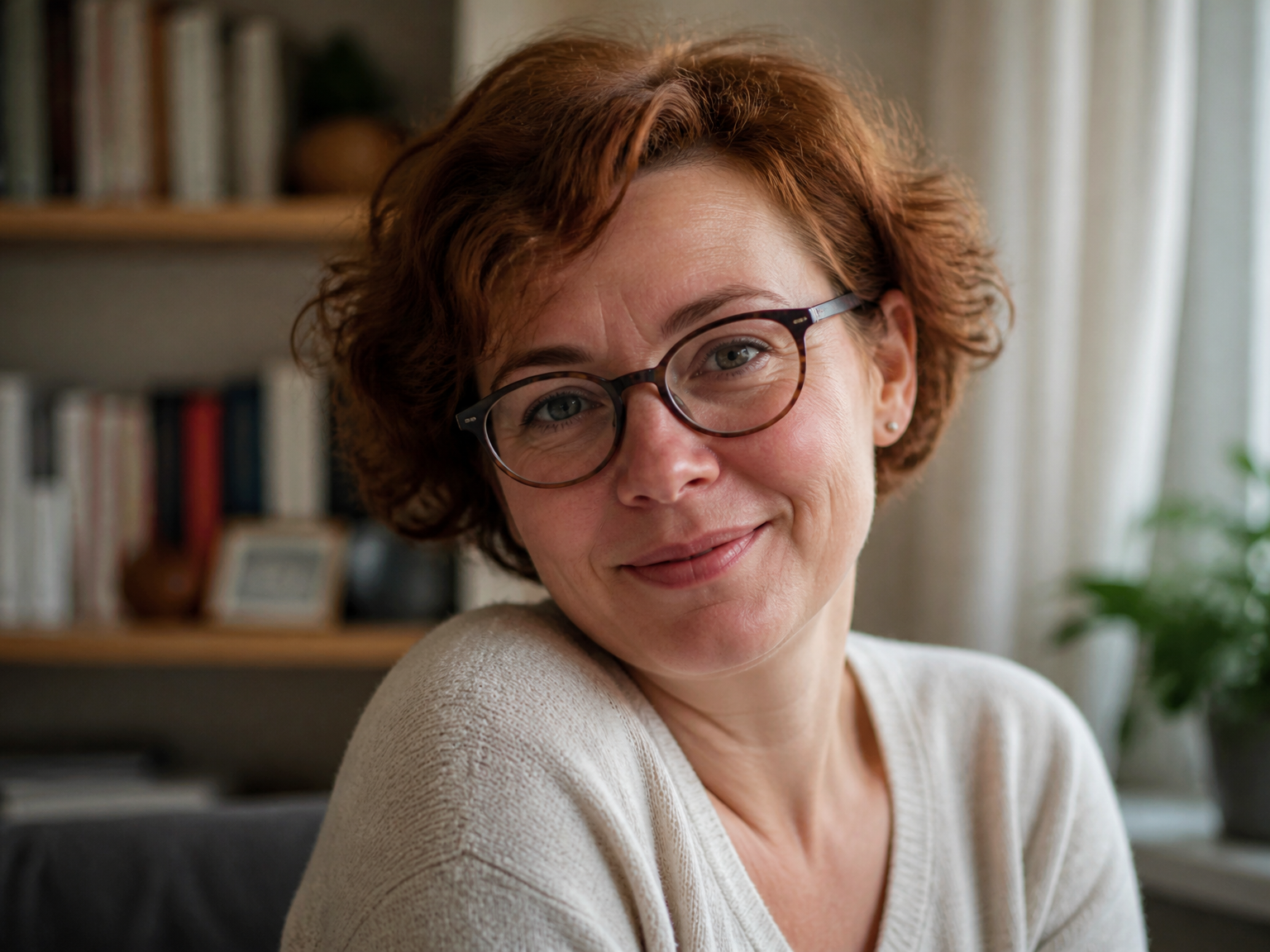
For social profiles and everyday updates, an AI photo touch-up can soften temporary blemishes and uneven shine while keeping familiar features and natural skin texture intact.
How it works
How to Retouch a Photo with AI in Three Steps
Upload a photo, let AI make focused touch-ups, then review the result before saving it.
Upload your photo
Choose the portrait or photo you want to refine.
Let AI retouch it
AI identifies small visible imperfections and applies restrained local corrections.
Review and save
Compare the result with your original, then download the version you prefer.
Why choose AI photo retouching
Refine Small Details Without Reworking the Photo
AI photo retouching focuses on the small details that distract from an otherwise finished portrait: temporary blemishes, uneven shine, and flyaway hairs. This approach to AI image retouching keeps the original subject and scene in place, so the photo feels polished without becoming a different image.
Touch up what draws the eye
Reduce small blemishes, uneven shine, and flyaways without reworking the entire photo.
Keep real skin texture
Preserve pores, fine lines, freckles, and natural detail instead of smoothing every surface.
Keep familiar facial features
Retouch the photo while retaining the same expression, proportions, and recognizable features.
Leave the scene intact
Keep the original clothing, background, framing, and lighting rather than changing the setting.
Makeup stays familiar
Keep the original makeup style and character while refining only small distractions.
Lighting keeps its mood
Preserve the photo's existing light, color, and atmosphere instead of applying a global filter.
Reviews
Retouching That Still Feels Like You
"I use it to tidy small shine and flyaways in client headshots. The skin still looks like skin, so the portraits feel polished without losing their character."
"I wanted a profile photo that looked finished without changing my expression. The retouch kept the details I liked, so it still felt like my original picture."
"We use close-up event portraits in our family gallery. The retouch cleaned up small blemishes without changing the warm lighting that made the photos feel like the day."
"For everyday profile updates, I wanted a light touch instead of a beauty filter. The photo looked cleaner while keeping my skin texture and familiar features."
FAQ
AI Photo Retouching: Questions Answered
How does an AI photo retoucher work?
Is AI photo retouching free online?
Can I retouch multiple photos at once?
Which image formats can I upload?
What resolution can the retouched photo have?
How many credits does AI photo retouching use?
What is AI photo retouching?
What can AI photo retouching improve?
Will my retouched photo still look natural?
Does AI photo retouching change facial features?
Ready for a natural touch-up?