
Clothing photo editing
AI Clothes Wrinkle Remover for a Smoother Fabric Finish
Reduce distracting garment creases in a photo while keeping the clothing's shape, texture, and original character in focus.
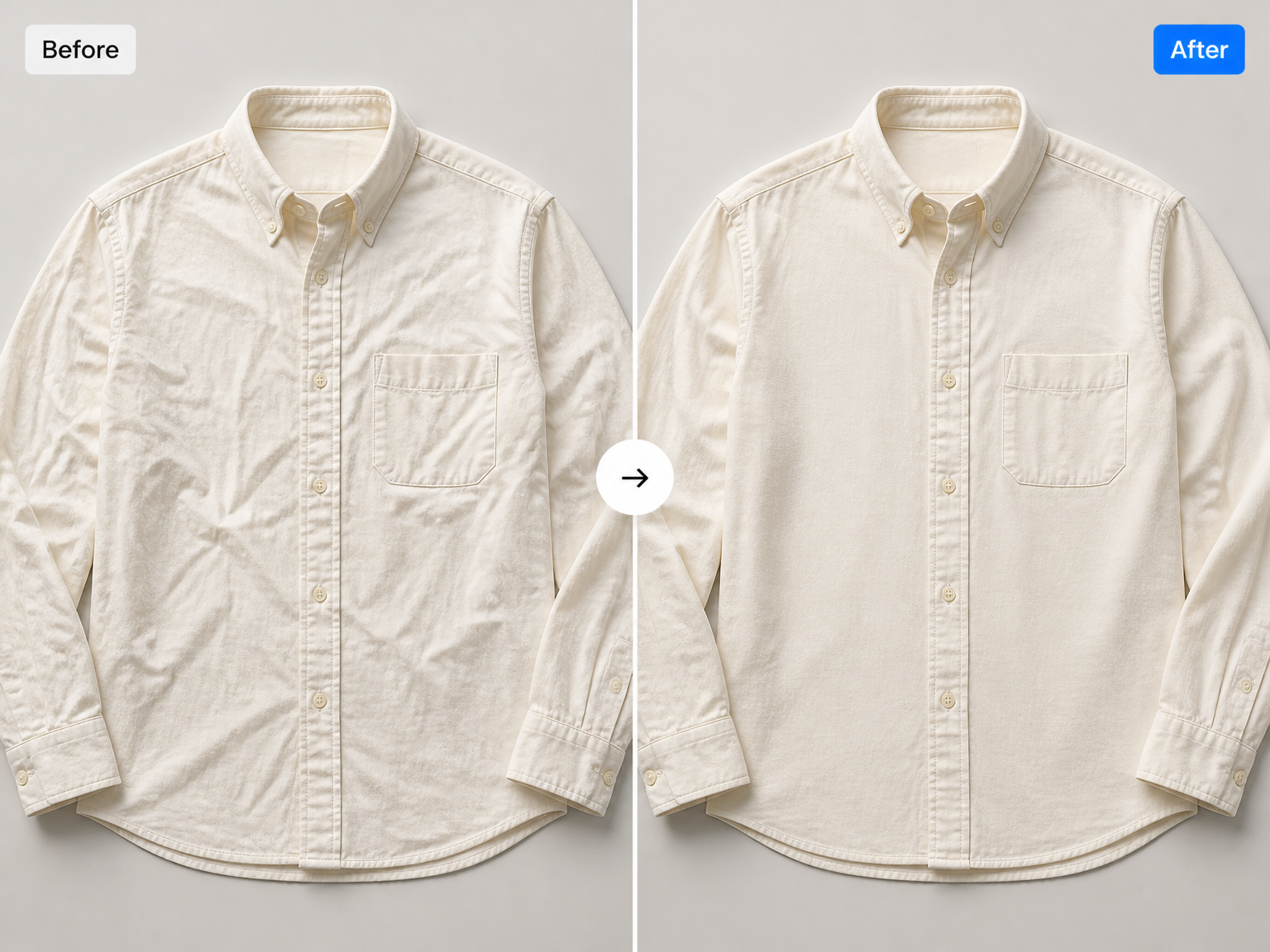
A cleaner look for clothing photos
Polish product and outfit photos with the AI clothes wrinkle remover
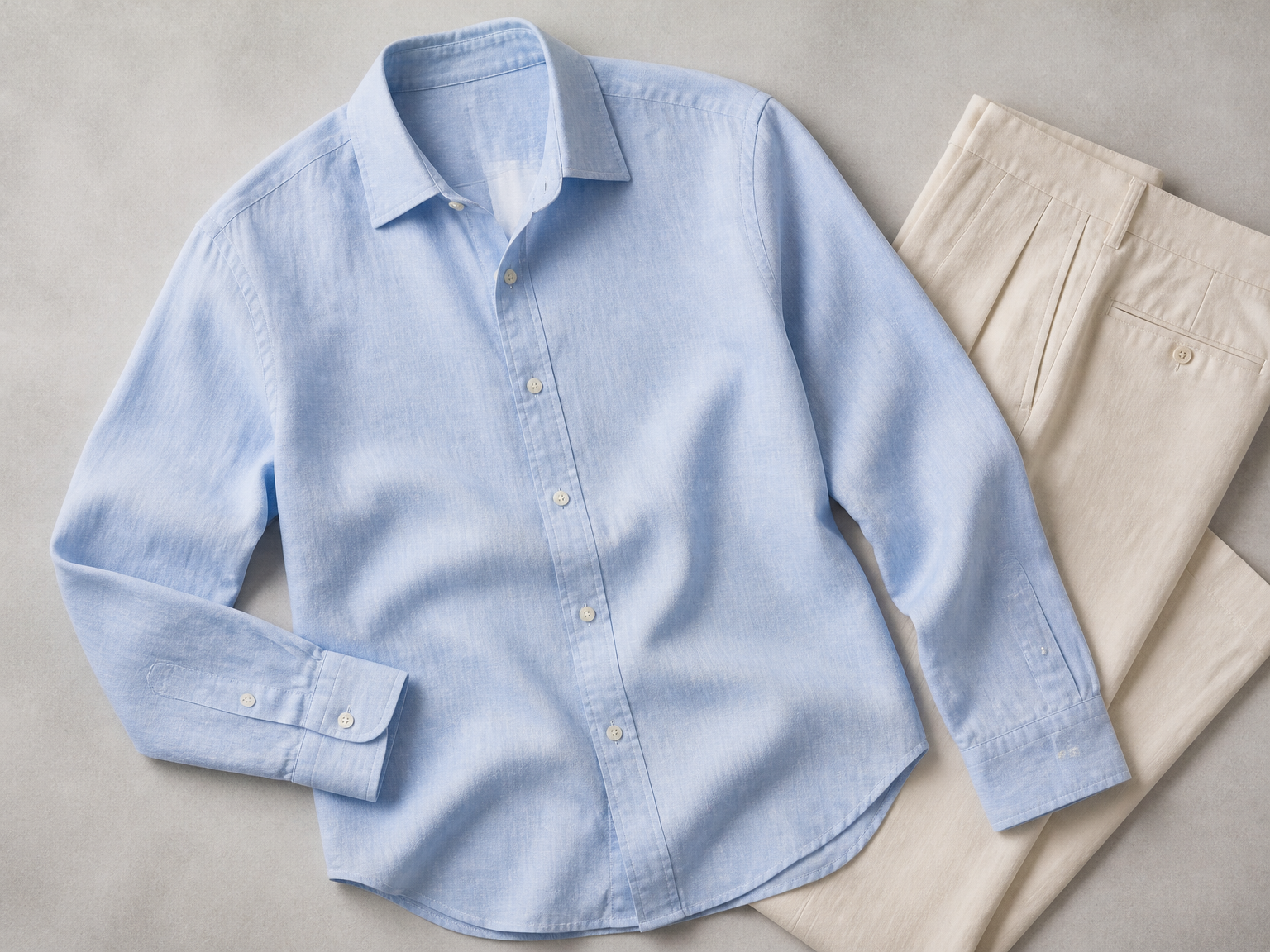
Apparel product photos
Use an AI wrinkle remover for clothes to tidy flat-lay shirts, knitwear, and folded garments, so the cut, fabric, and finish stay in focus.
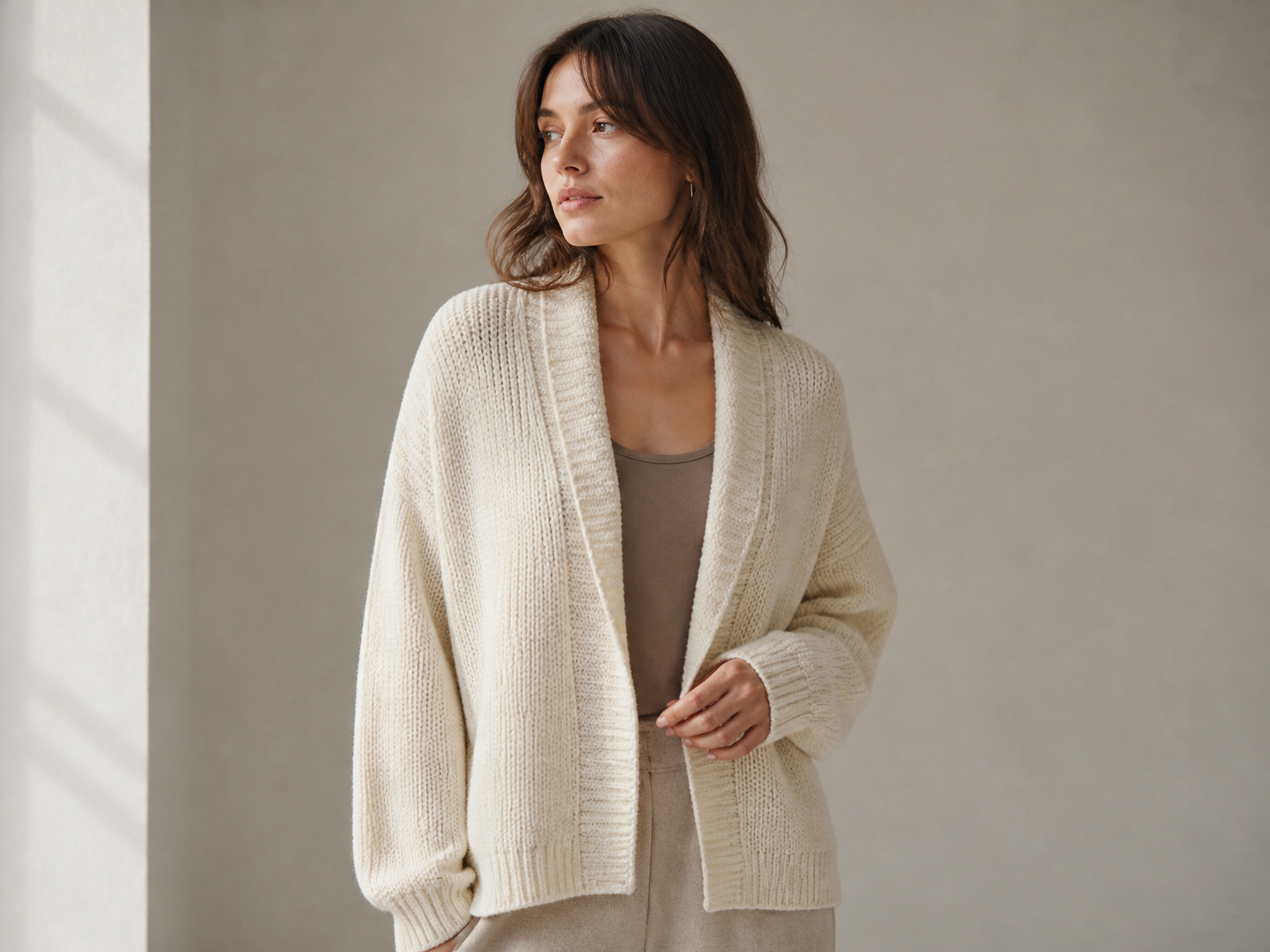
Portraits and outfit photos
Use the AI clothes crease remover for outfit photos to tidy distracting folds in jackets, dresses, and everyday wear while keeping the person, pose, and styling at the heart of the photograph.
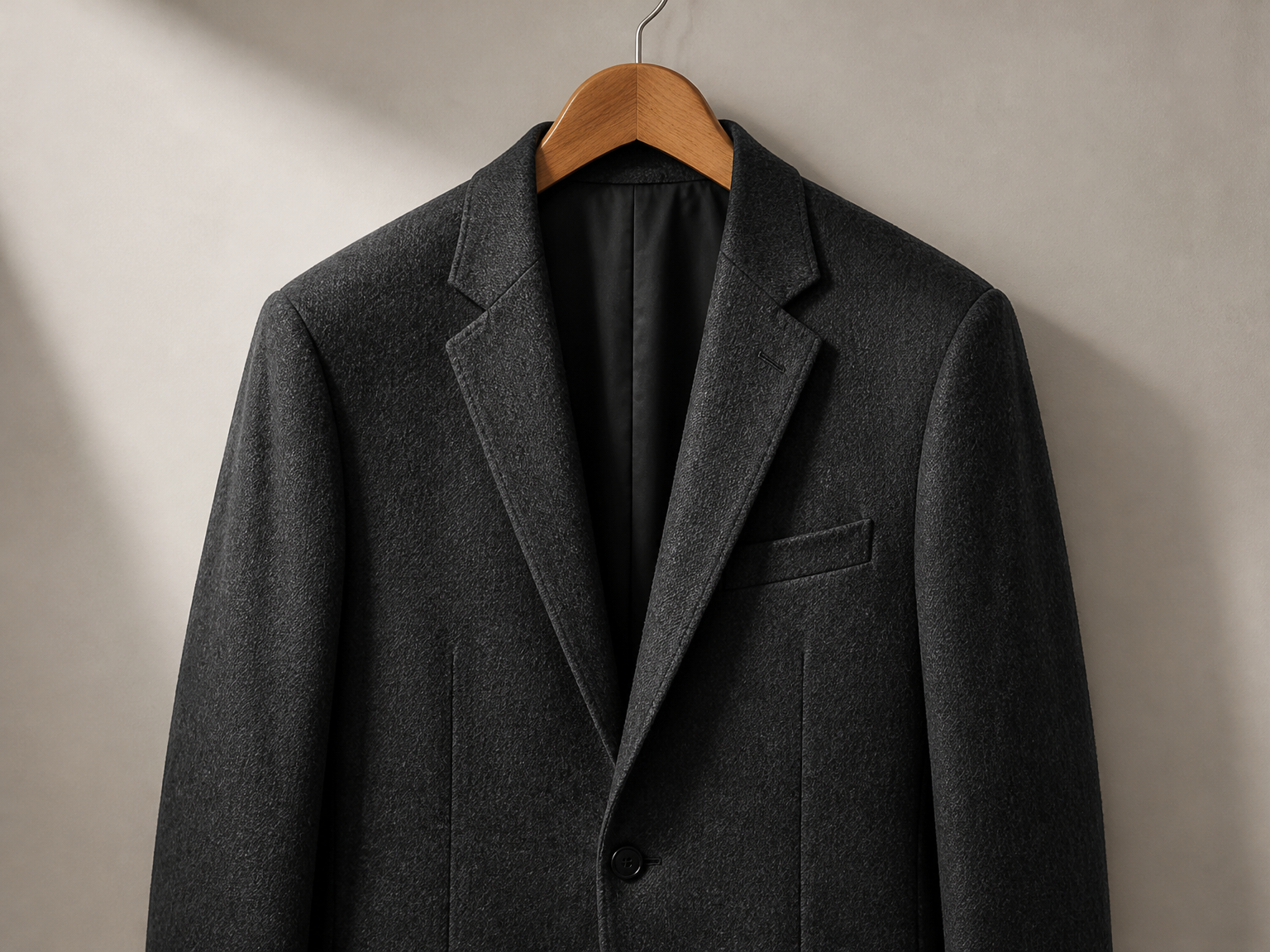
Formalwear and tailored pieces
For suits, blazers, and occasionwear, a more composed fabric surface keeps lapels, seams, and tailored shape in focus.
A simple photo edit
Remove wrinkles from clothes in three steps
Upload the photo, let the AI refine the garment, and review the finished image before saving.
Upload a clothing photo
Choose the image that shows the garment you want to tidy.
Run the wrinkle edit
The AI focuses its edit on visible creases in the clothing.
Review and save
Check the garment's overall look, then download your updated photo.
A focused clothing edit
A smoother fabric surface, the same original outfit
An AI clothes wrinkle remover focuses on distracting fabric creases while keeping the garment's construction and the rest of the photo recognizable.
Reduce distracting creases
Soften sharp storage lines and compression folds across the clothing.
Preserve fabric texture
Keep the weave, knit, prints, and material character visible in the finished photo.
Retain garment construction
Keep the original cut, silhouette, collars, cuffs, buttons, lapels, and seams recognizable.
Protect the full photo
Keep the person, pose, accessories, lighting, and background consistent with the original image.
Keep natural drape
Leave the soft folds that shape how the garment falls instead of flattening the fabric.
Keep original styling
Maintain the garment's color, pattern, and overall look as part of the same photograph.
The details worth keeping
Keep the details that make the garment yours
"I use it on flat-lay shirts before listing them. The fabric looks tidier, and the shirt's cut and details still stand out."
"I use it for outfit portraits where a jacket or dress has distracting folds. The person and styling still look like the original photo."
"I use it to tidy blazer photos for client lookbooks. The lapels and seams stay clear, so the outfit still looks like the original piece."
"For our catalog, I want each garment to look neat without changing its color or shape. This keeps the photo consistent with the original styling."
FAQ
AI clothes wrinkle remover: common questions
How does the AI clothes wrinkle remover work?
Can I remove wrinkles from shirts and dresses in photos?
Will the edit change the garment’s original design?
Can I remove deep creases from clothes in a photo?
Can I remove wrinkles from clothes photos online for product shots and portraits?
Which image formats and file sizes are supported?
Which output resolutions and quality options can I choose?
Can I remove wrinkles from clothes photos online for free?
Ready for a cleaner photo?