
PERSONAL PHOTO CUTOUTS
Background Remover for Individuals: Keep the Subject, Remove the Scene
Use a background remover for individuals to turn a portrait, pet photo, or everyday snapshot into a clean cutout for a profile picture, social post, greeting card, or personal design.
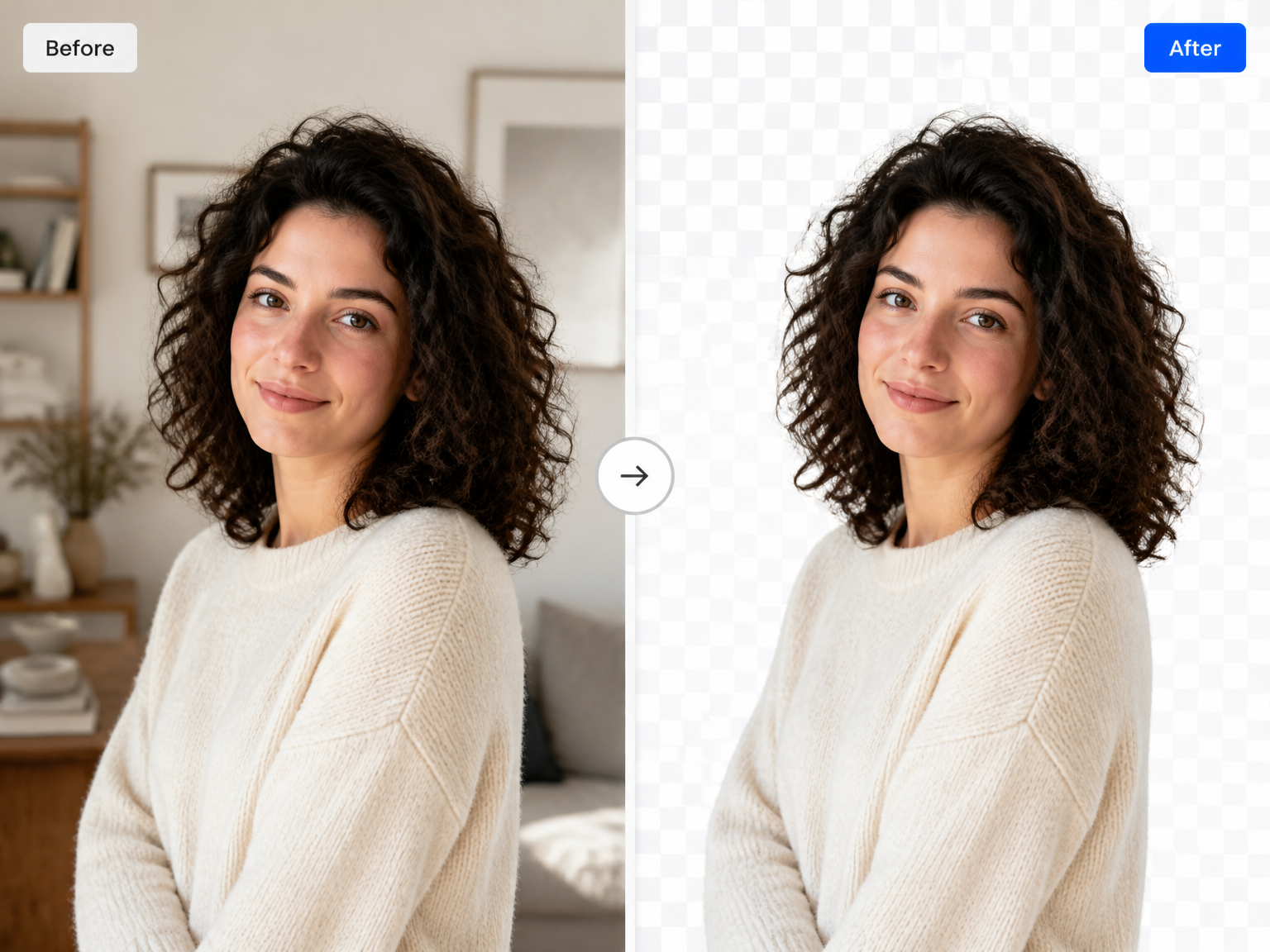
MAKE MORE OF YOUR PHOTOS
Create Personal Photo Cutouts with a Background Remover for Individuals
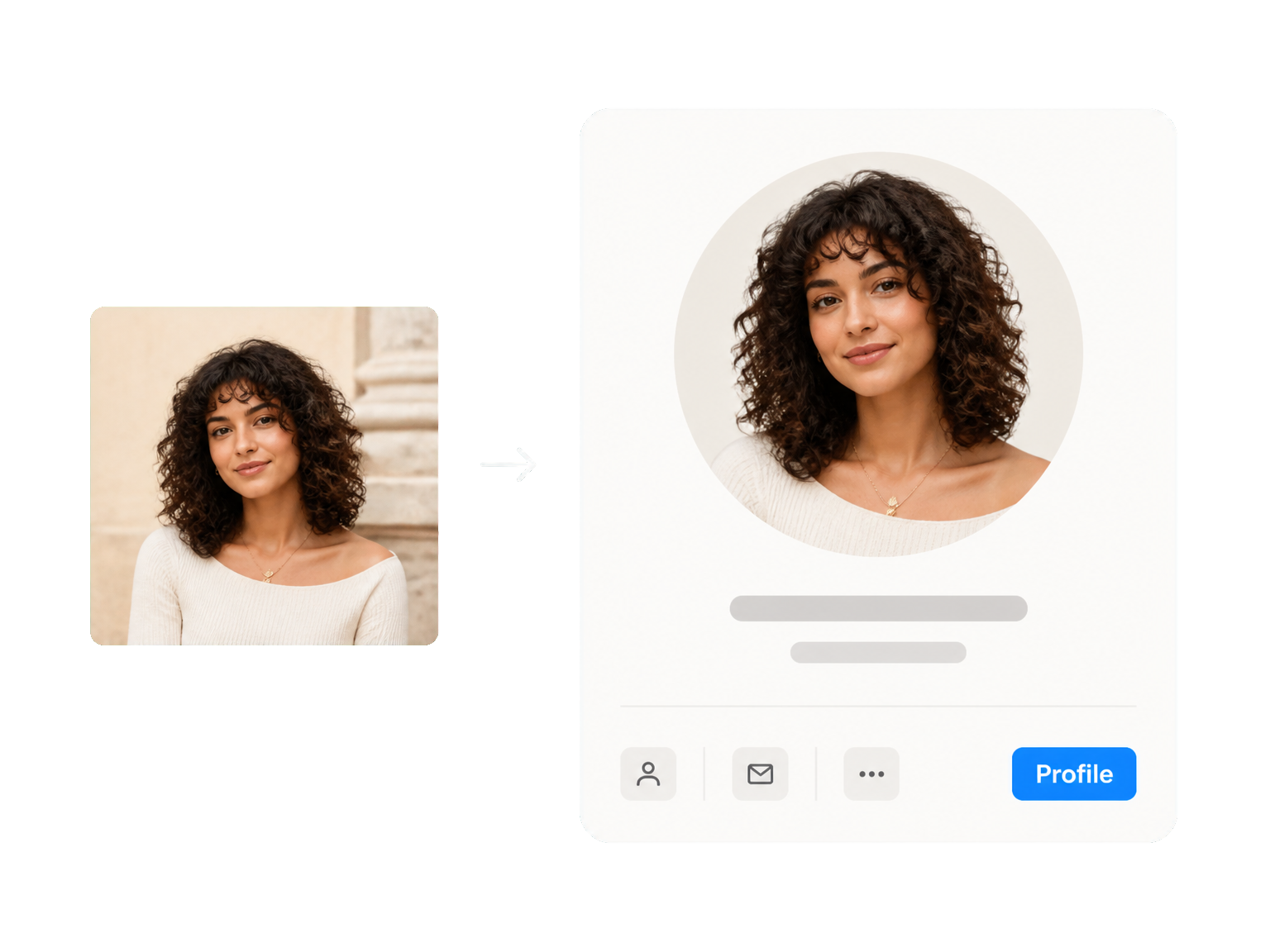
Make a Profile Picture Stand Out
A background remover for individuals can separate a portrait from a busy room or outdoor scene, then leave the cutout ready for a profile image that feels more like you.
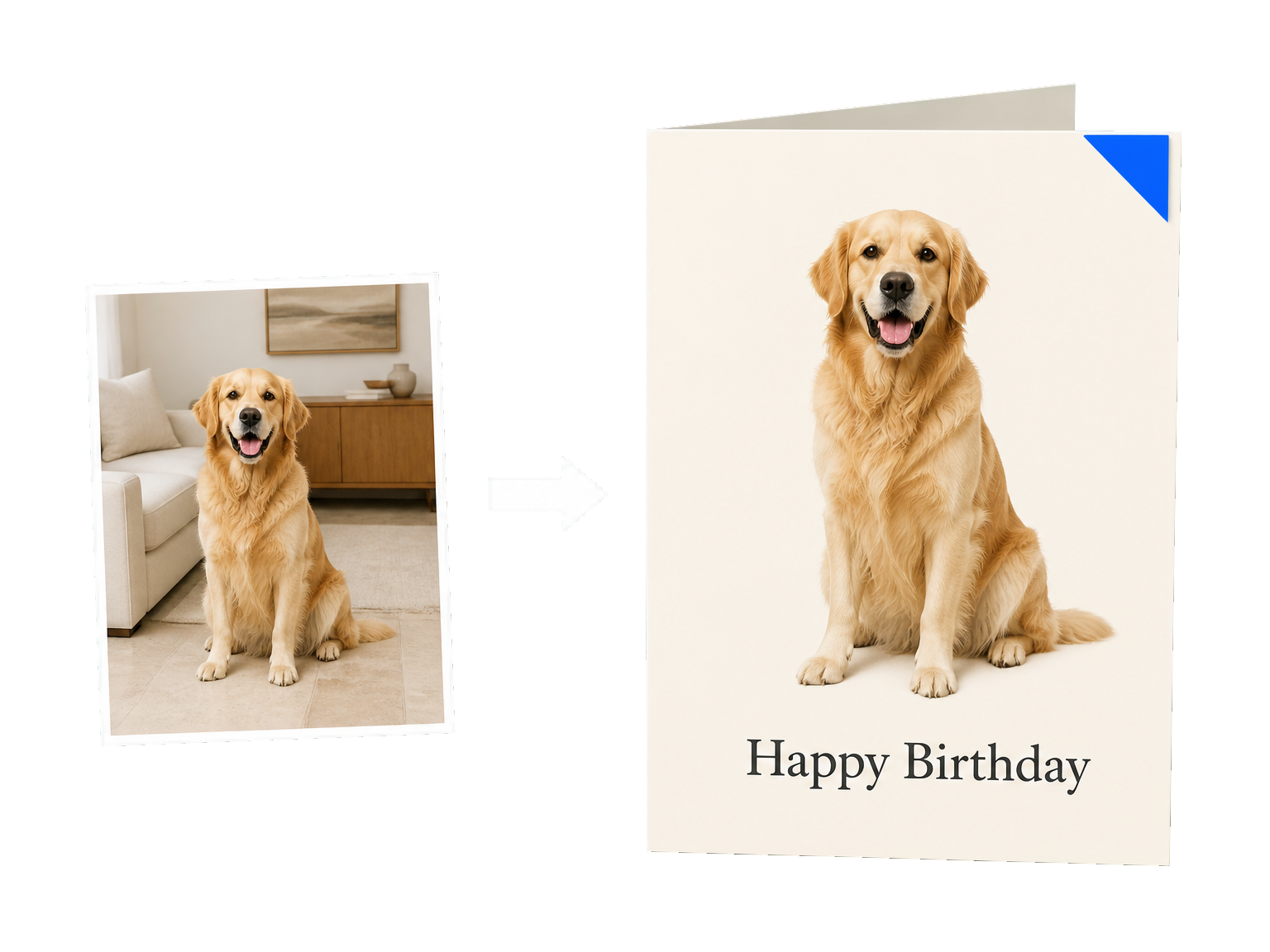
Turn Pet Photos into Keepsakes
Use a background remover for individuals to lift your dog or cat from an everyday snapshot and place the cutout into a greeting card, collage, or gift design.
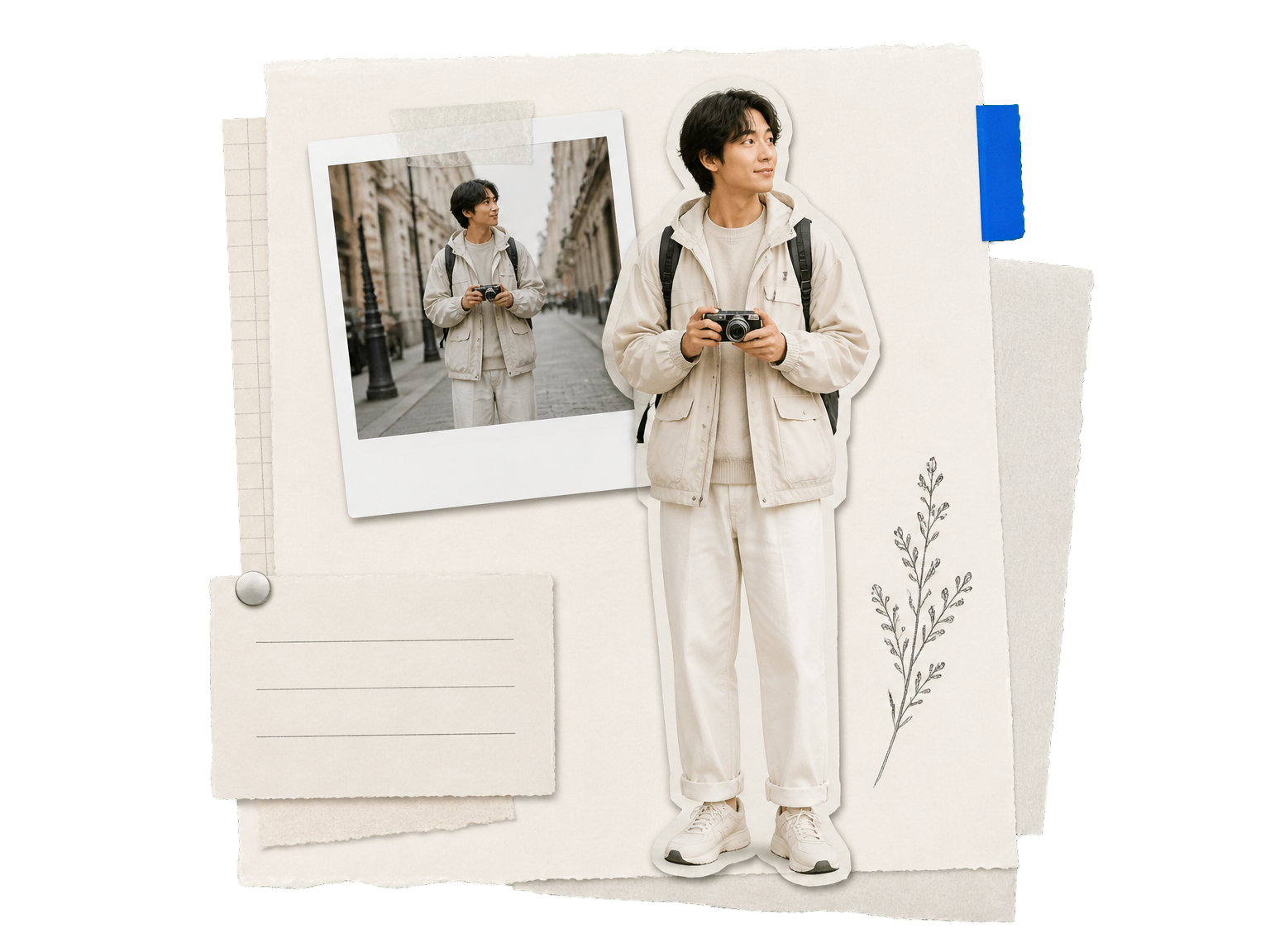
Build Personal Photo Projects
Bring a favorite person or object into a scrapbook, invitation, or creative layout without tracing around the subject by hand.
HOW IT WORKS
Use the Background Remover for Individuals in Three Steps
Start with a clear photo, let AI separate the foreground subject, and save the cutout for your next personal project.
Add your photo
Choose the portrait, pet photo, or everyday image you want to turn into a cutout.
Remove the background
The AI separates the foreground subject from the original scene.
Review and download
Check the outline, then save the cutout for your profile picture or personal design.
A CLEANER CUTOUT
Keep the Subject. Leave the Scene Behind.
A background remover for individuals should keep the details that make a photo recognizable while giving the subject room to fit a new composition.
Separate the Main Subject
Remove the surrounding scene while keeping the person, pet, or object at the center.
Keep Fine Edges in View
Preserve the look of hair, fur, and clothing as the subject is separated from its surroundings.
Reuse One Photo in More Places
Bring the same cutout into profile pictures, greeting cards, collages, and personal layouts.
Create a More Personal Profile
Give a portrait a clean starting point for a profile image that fits your own style.
Less Manual Tracing
Let AI handle the first separation so you can focus on the finished composition.
A Subject-First Result
Keep the person, pet, or object ready for the next photo project.
MADE FOR PERSONAL MOMENTS
Personal Photo Cutouts for Everyday Creative Projects
"I turned a crowded vacation portrait into a clean cutout for my new profile photo. The hairline stayed easy to work with, and I did not have to trace around it myself."
"My dog photo was taken in the middle of the living room. Removing the room made it simple to use the cutout on a birthday card for my sister."
"I make small scrapbook pages from photos of friends and places. Clean subject cutouts help each page feel composed without spending ages outlining people."
"I wanted one portrait for a few different personal layouts. Starting with a separated subject made it easier to place the same photo where it belonged."
BACKGROUND REMOVAL FAQ
Background Remover for Individuals: Common Questions
Can I remove a personal photo background for free?
Which image formats can I upload, and what is the size limit?
How many credits does each background removal use?
How can I get clean edges around hair and clothing?
Does the result have a transparent background?
Can a background remover for individuals be used for portraits and profile pictures?
Can I remove the background from pet photos?
Does a background remover for people remove the person?
Can I replace the original background with a new color or photo?
How do I remove a background from a personal photo?
READY FOR YOUR NEXT PHOTO