
AI Face Enhancer
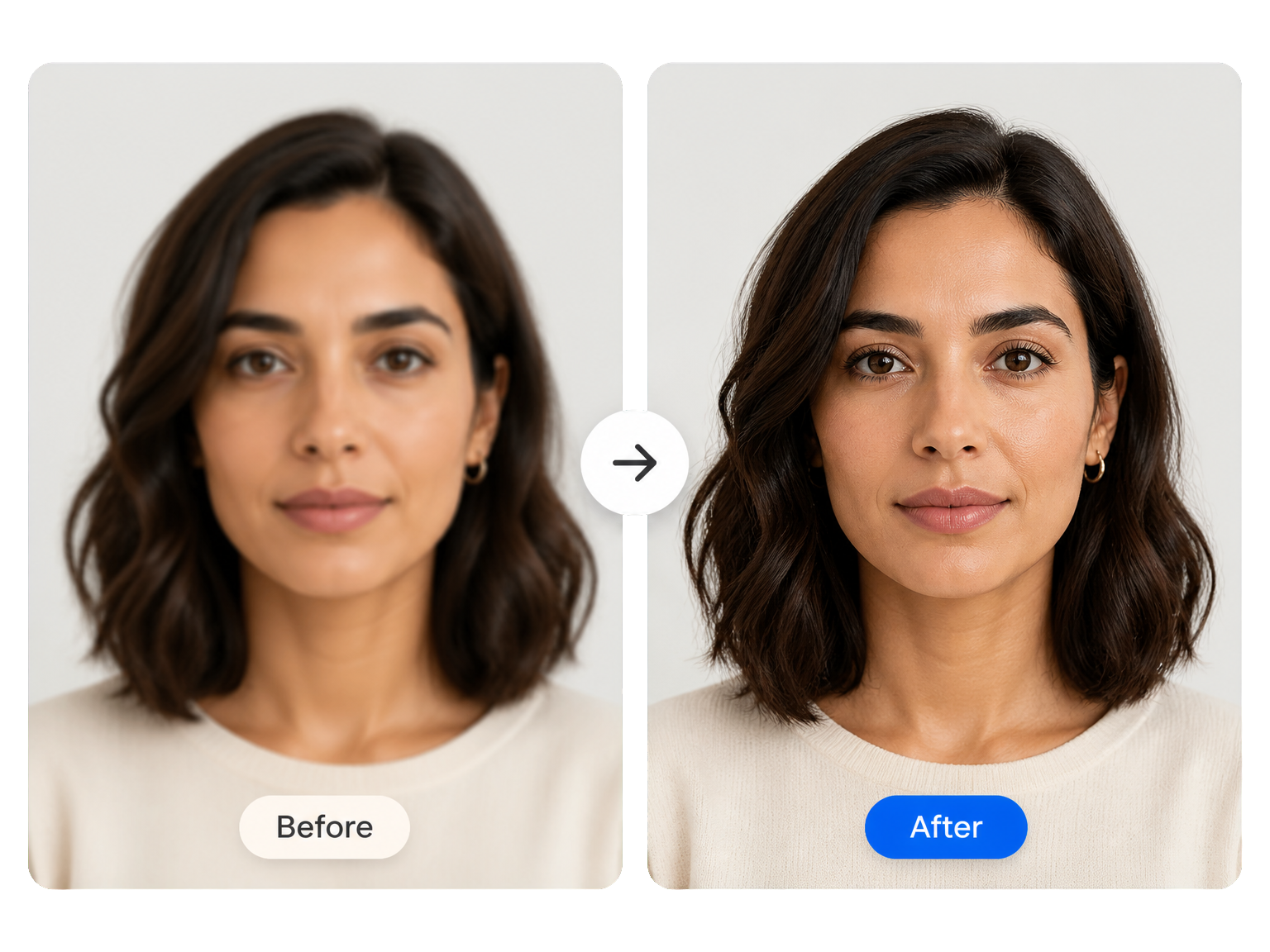
AI Face Enhancer for Clearer Faces That Still Look Like You
Use an AI face enhancer to bring out facial detail in soft portraits and selfies while keeping the original person, expression, and natural texture at the center. Give eyes, hair, and skin a clearer look.
Where It Helps
Where a Face Enhancer Helps Most
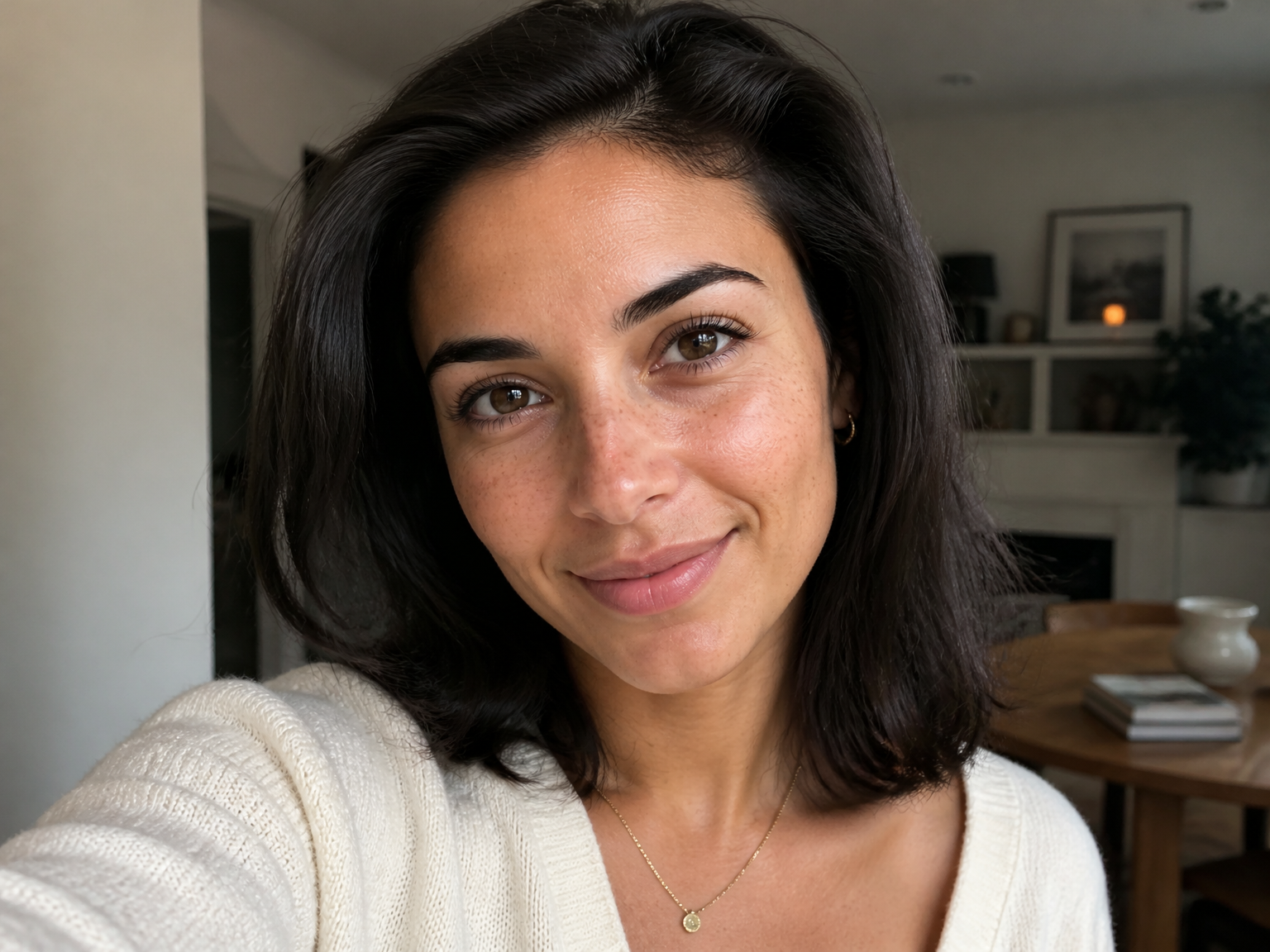
Selfies and Profile Photos
Give a soft selfie or profile photo a clearer look, with attention to the eyes, hair, and natural skin texture—not a new face or a beauty filter.
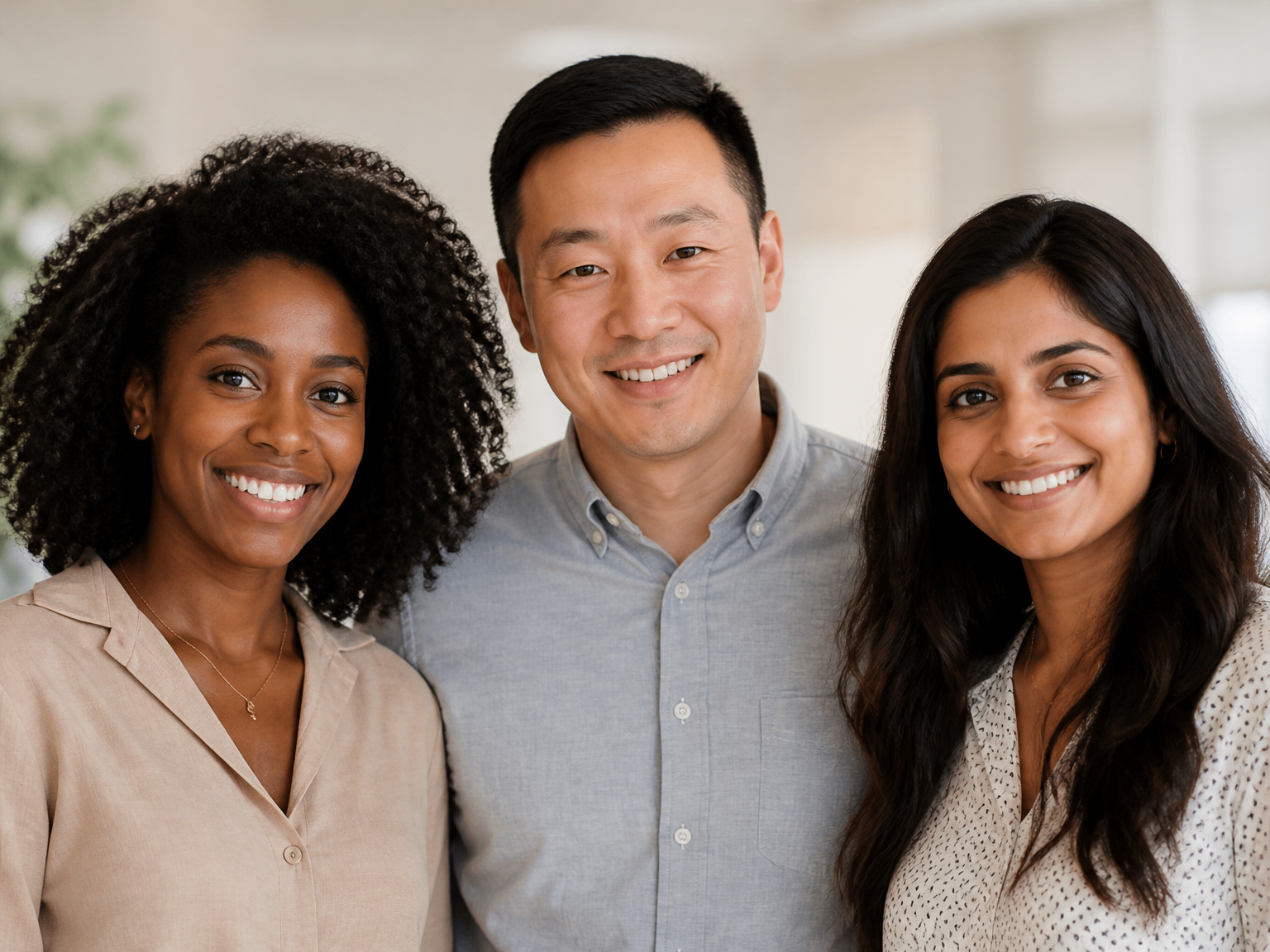
Team and Group Portraits
Bring more detail into team portraits so faces across the group are easier to see, while keeping the people and setting that make the photo yours.
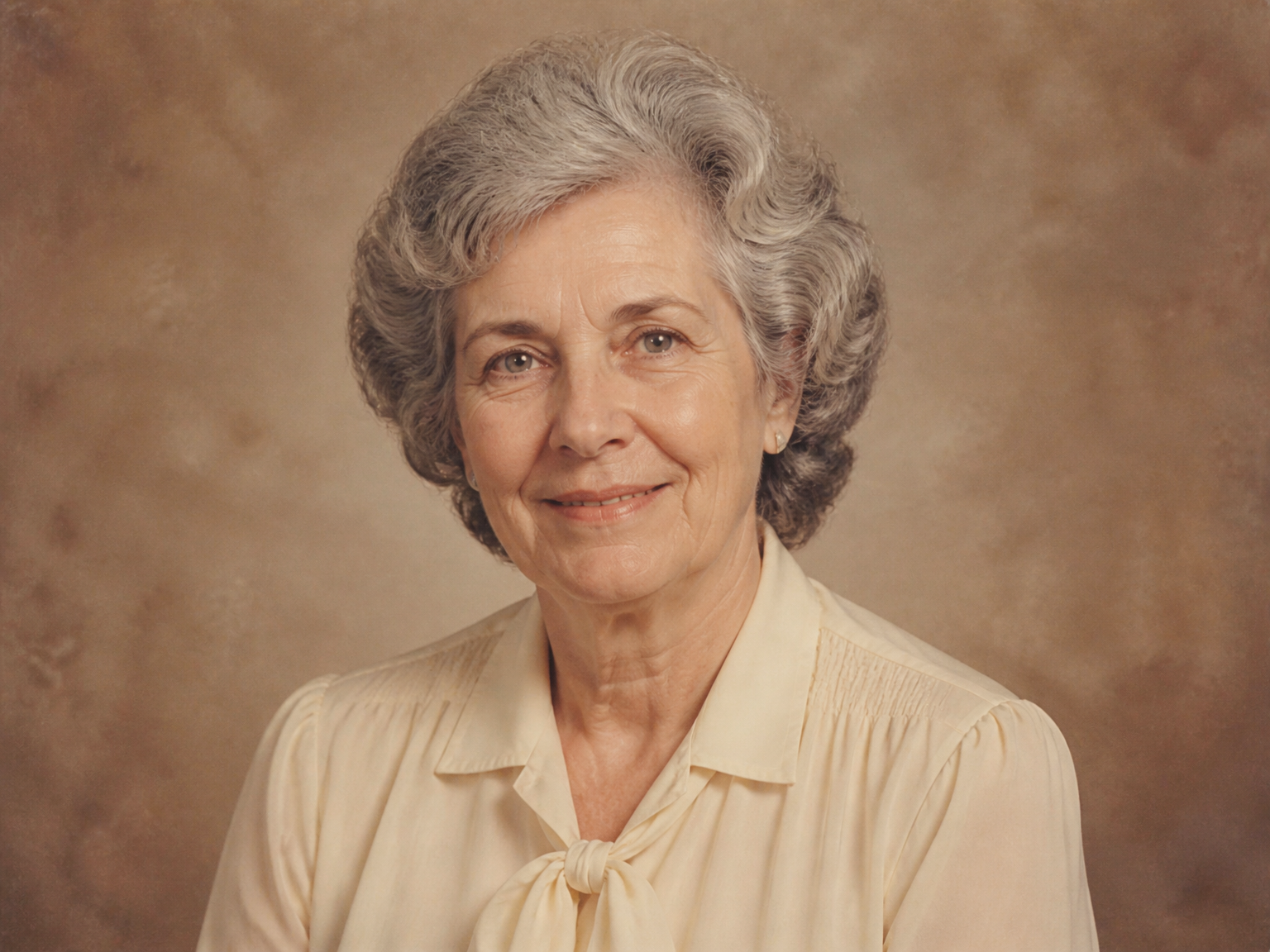
Older and Scanned Photos
Bring visible facial detail forward in portraits scanned, resized, or shared many times. Keep the character of the original photograph while making the people in it easier to see.
How It Works
Use an AI Face Enhancer in Three Simple Steps
Start with a photo you want to keep. The AI works from that image, then you can review the result before saving it.
Upload Your Photo
Choose a portrait, selfie, or photo with visible faces.
Run the Face Enhancer
Let the tool bring out facial detail while staying close to the original image.
Compare and Download
Check the person, expression, and texture against your original before saving the result.
Made for Natural-Looking Results
Clarity Without Turning the Person into Someone Else
Face enhancement should make a photo easier to see—not rewrite the person in it. The tool focuses on visible detail and restrained changes.
Keep Identity in Focus
Prioritize the same facial structure, age, expression, and skin tone instead of beautifying or reshaping the person.
Bring Out Visible Detail
Focus on facial edges, eyes, hair, and natural texture that the source image still contains.
Avoid Plastic Skin
Keep pores, fine lines, and natural texture; avoid waxy smoothing, exaggerated sharpness, and artificial detail.
Stay Close to the Original
Keep the original framing, clothing, background, colors, and composition rather than changing the scene.
Keep Every Face True to the Original
Build the enhancement around the face in the uploaded photo, keeping its recognizable structure, age, expression, and natural character.
Treat Faces Individually
In a group portrait, each clearly visible face is enhanced separately while everyone stays in the same shared scene.
For the Portraits You Want to Keep
A Clearer Look That Still Feels Like You
"I wanted a clearer profile photo without a beauty-filter look. The eyes and hair came through with more definition, and the skin still looked like mine."
"Our team portrait had been resized and shared many times. The faces looked clearer, and everyone still looked like themselves in the same group photo."
"I used an older family portrait that I wanted to keep as it was. The face details stood out more, while the warm character of the original photo remained."
"I update profile images across my creator pages. The clearer facial detail is useful, and the natural skin texture keeps the result feeling like my own photo."
AI Face Enhancer FAQ
Questions About Face Enhancement
Can I use AI Face Enhancer online for free?
Can it enhance a blurry face?
Can an AI face enhancer improve faces in group photos?
Will the AI face enhancer change my appearance?
Does it smooth skin or reshape facial features?
What photos work best for face enhancement?
How is a face enhancer different from a face swap?
What does an AI face enhancer do?
Ready to See the Difference?